
Fit Multiple PDF Pages on One Sheet
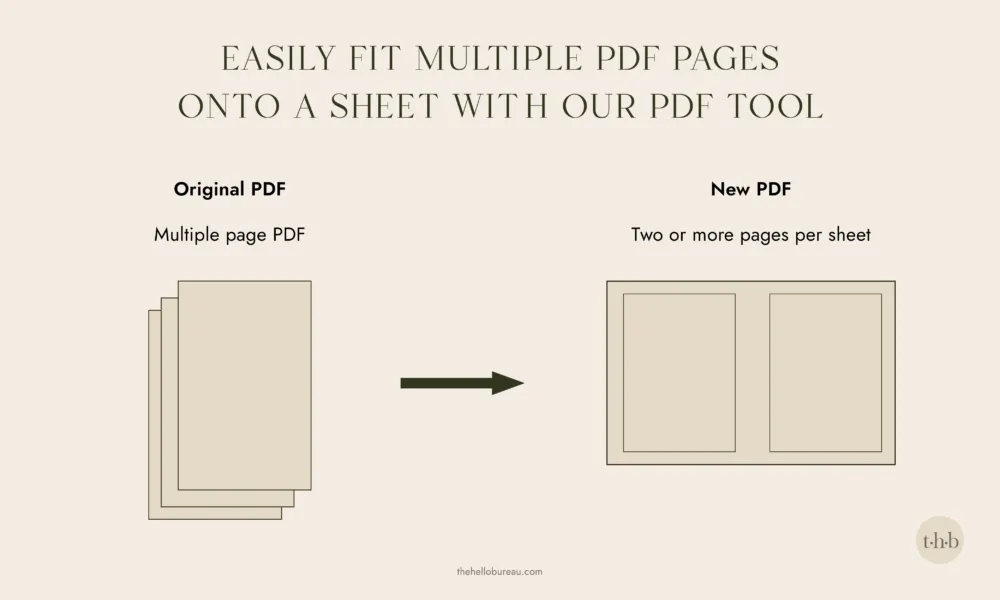
We built this tool to fit multiple PDF pages onto one sheet (ie. 2-up / 4-up), mainly to save paper and cut down on excessive printing. Design tools like Canva don’t offer a way to download multiple pages per sheet yet, which is a problem when you’re working with things like place cards or table numbers that are much easier to cut out when they’re gridded together on one page.
Drop your PDF in, choose your output sheet size and how many items you want per sheet, and add trim marks if you’re planning to cut them out. A built in preview shows you exactly what the sheet will look like before you download.
How to fit multiple PDF pages on one sheet (2-up / 4-up)
- Select Your PDF: Drag and drop your multi-page design file into the tool below.
- Choose Your Grid Layout: Set your desired columns and rows (e.g., 2-up for table numbers or a custom grid for place cards).
- Select Output Sheet Size: Choose your printing paper size, like A4, A3, or US Letter.
- Add Trim Marks: Check the trim marks option to easily see where to cut your designs. If your margin is set very small, there may not be enough room for the trim marks to display clearly. A margin of at least a few millimetres (or a tenth of an inch) gives them space to sit properly.
- Preview and Download: Check the built-in live layout preview, then download your print-ready PDF.
PDF page sizes this tool works with (A4, A3, Letter)
Our tool works with any PDF page size that can fit on a bigger page. You choose the output sheet separately from whatever size your items already are:
- A4
- A3
- A5
- US Letter
- US Legal
Tips for preparing your PDFs for imposition
A few things worth knowing:
- Very large files (50MB or more, or dense scanned pages) may run slowly on older phones or devices with limited memory, since everything processes in your browser rather than a server.
- Password protected PDFs can’t be opened by the tool.
- If your items vary in size, they’re centred within each cell rather than stretched to fill it, so smaller items may have a bit of extra white space around them.
- This tool arranges existing pages onto a sheet. It doesn’t resize your original design, rotate pages, or fix uneven cropping, it just positions what’s already there.