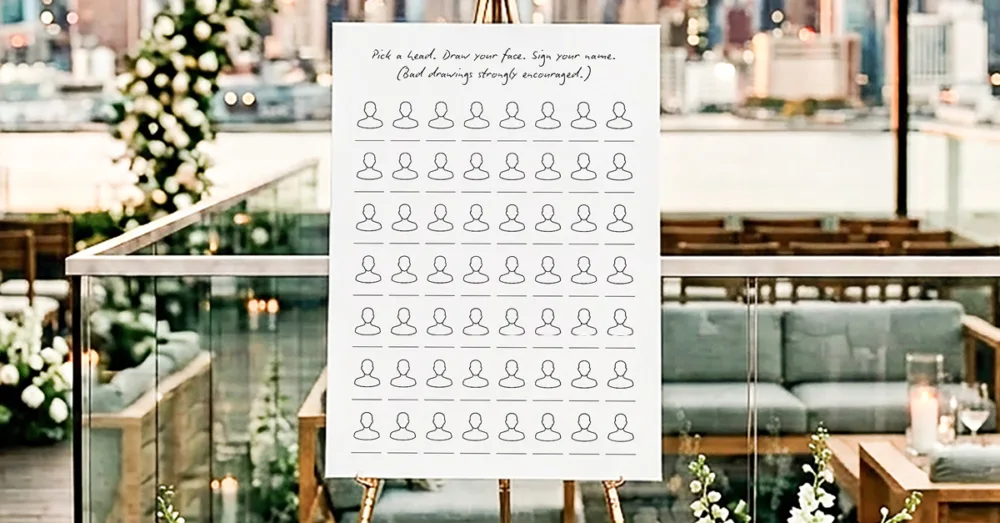
In case you missed it, there are some exciting changes happening in our studio. One of them is moving our editable templates onto Canva and we’re pretty excited about this new chapter! To kick things off, we’ve decided to make this month’s freebie an editable Draw Your Face Guestbook Template. It’s completely free and has the essentials for you to make it your own.
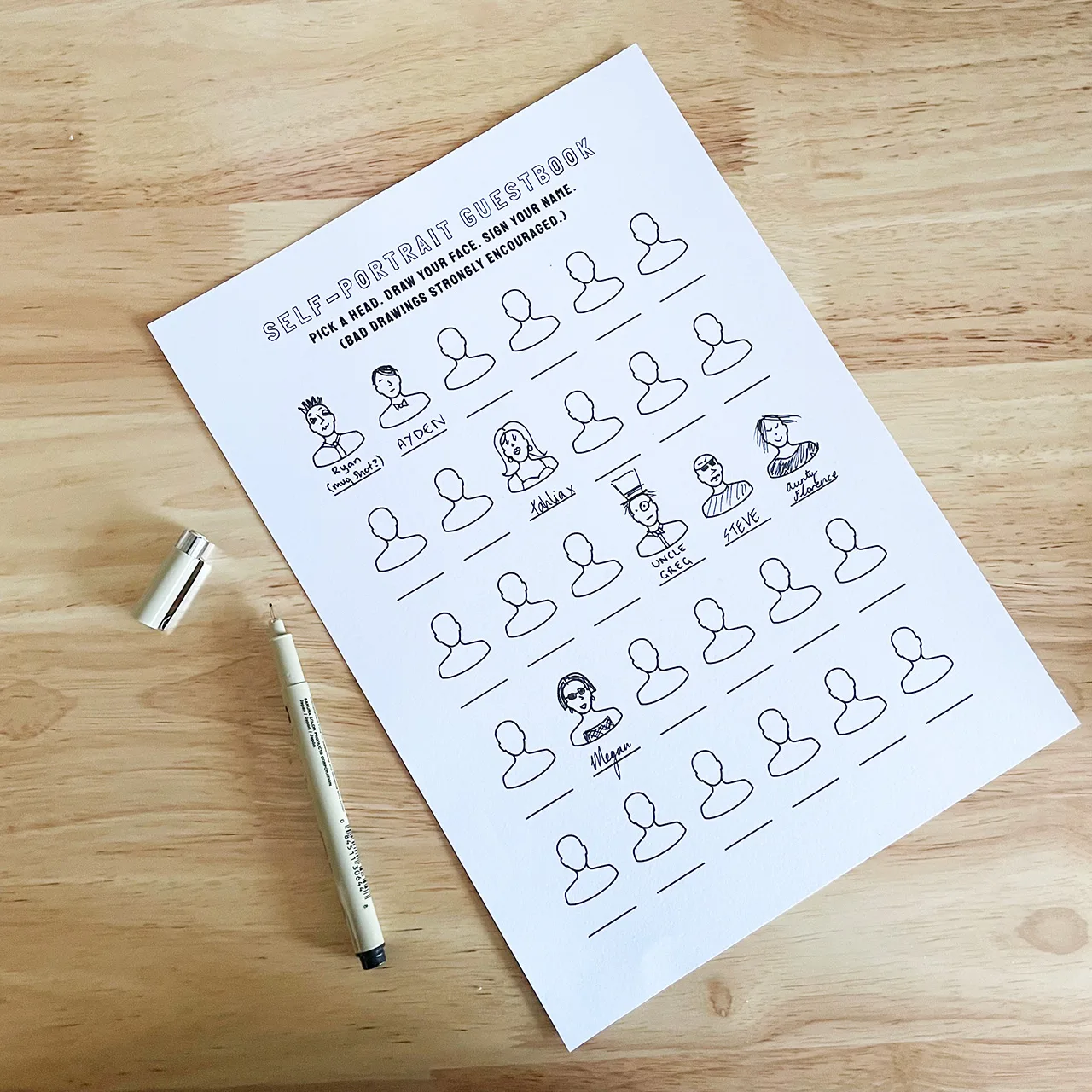
Most guestbooks ask your guests to write a nice message and call it a day. Whilst it’s heartfelt, it’s also a little bland. We’re big fans of art around here and hand-drawn guestbooks are the perfect way to let your guests get creative while they sign in to your wedding or event. They also become a fantastic keepsake full of terrible, hilarious self-portraits from everyone you love.
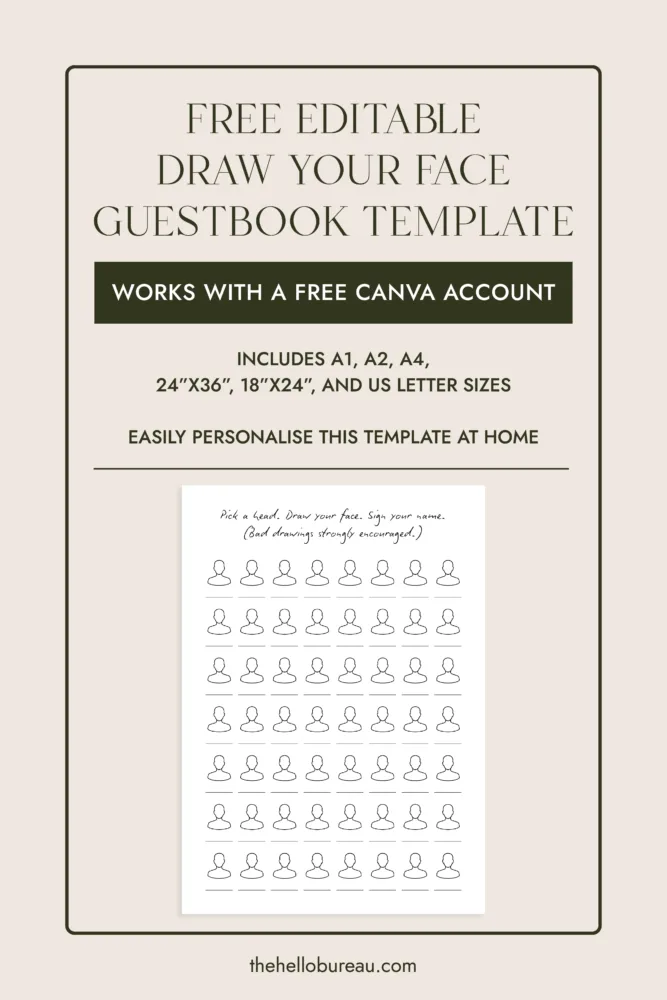
If you have a Canva account, these 6 free Draw Your Face Guestbook Templates work easily with it. And even if you don’t, you can sign up to Canva for free and access the templates. We’ve added the portrait heads in there to give you the foundation to remix it however you want.
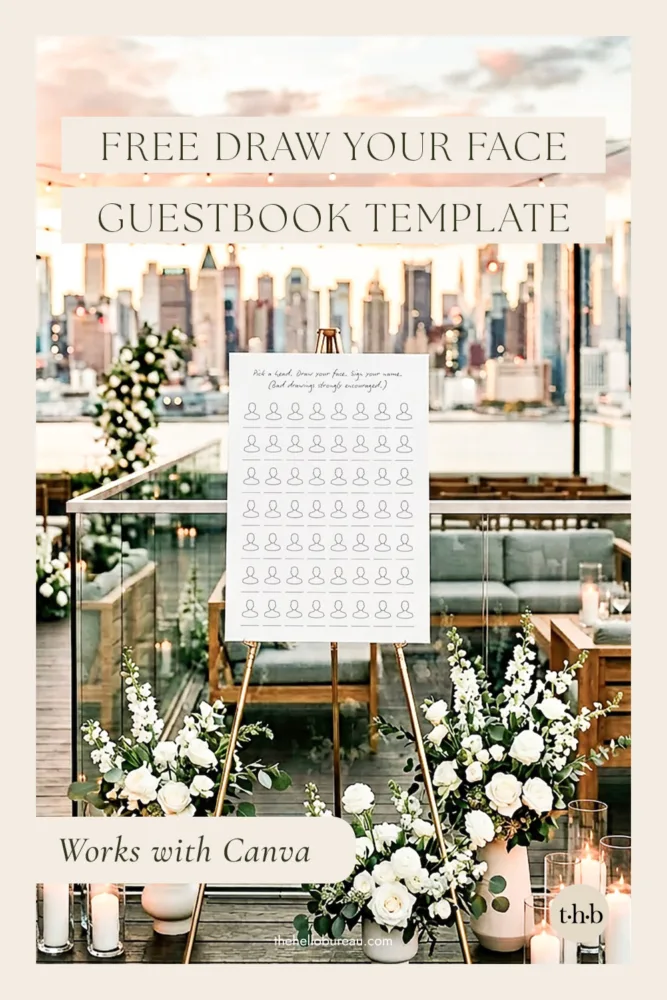
Download Free Editable Draw Your Face Guestbook Templates
Our free editable Draw Your Face Guestbook Templates come in the following sizes and work with a free Canva account:
- A1 (594×841 mm)
- A2 (420×594 mm)
- A4 (210×297 mm)
- 24″x36″
- 18″x24″
- US Letter (8.5″x11″)
How It Works
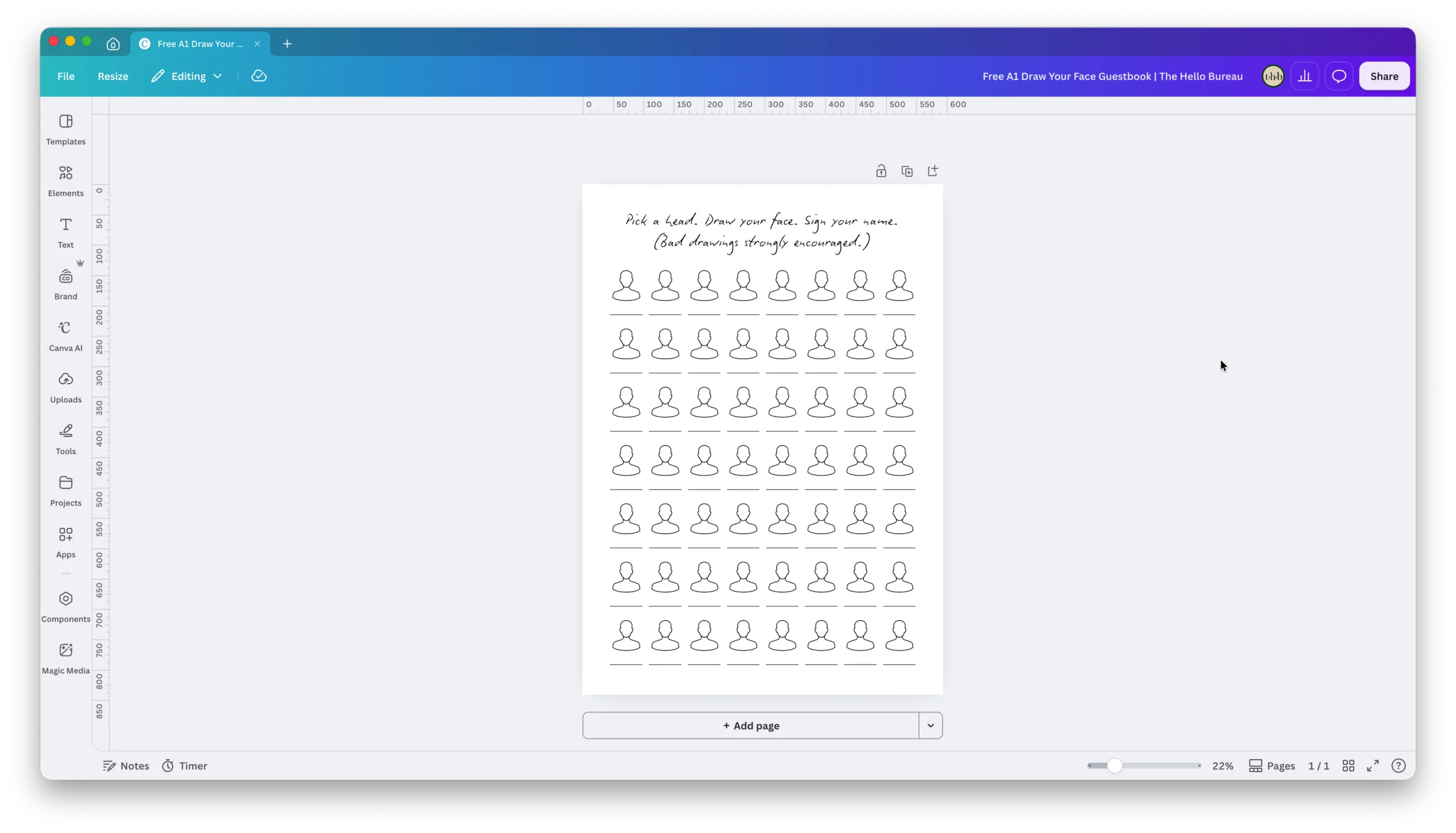
- Make sure you’re logged into Canva in your browser.
- Click the size you need below.
- A copy of the template will land in your Canva account, ready to edit.
How to Add or Remove Heads
The large format templates come with 56 heads and the smaller templates come with 30 as a starting point, but you can adjust this to suit your guest count.
Tip: Keep the heads selected as a group when resizing so they scale evenly and stay aligned.
To add more heads:
- Click and drag to select all the heads, then resize them smaller to make room.
- Select a full row or column of heads.
- Duplicate it and drag the copy into place.
- Repeat until you’ve got the number you need.
To remove heads:
- Select a full row or column of heads.
- Delete it.
- Click and drag to select the remaining heads, then resize them larger to fill the space.
We’d Love to See Your DIY Guestbook
If you enjoyed making this guestbook using our template, we’d love to see how you personalised it! Submit your photos from your finished project or event on our DIY Showcase page. There’s nothing we love more than seeing your celebrations come to life through it. 😊
Enjoy!
We love creating wedding and event stationery and these free printables were designed so that we can share the stationery love. We believe in practicality and affordability – everyone should have access to beautiful stationery without hefty price tags.
These printable files are free for personal use only – we kindly ask that you don’t resell or reproduce this design for commercial purposes. Please see our Copyright Policy for more information.
You can view more of our editable templates and printable designs in our online shop.