This post may contain affiliate links. For more information, please read my Affiliate Disclaimer.
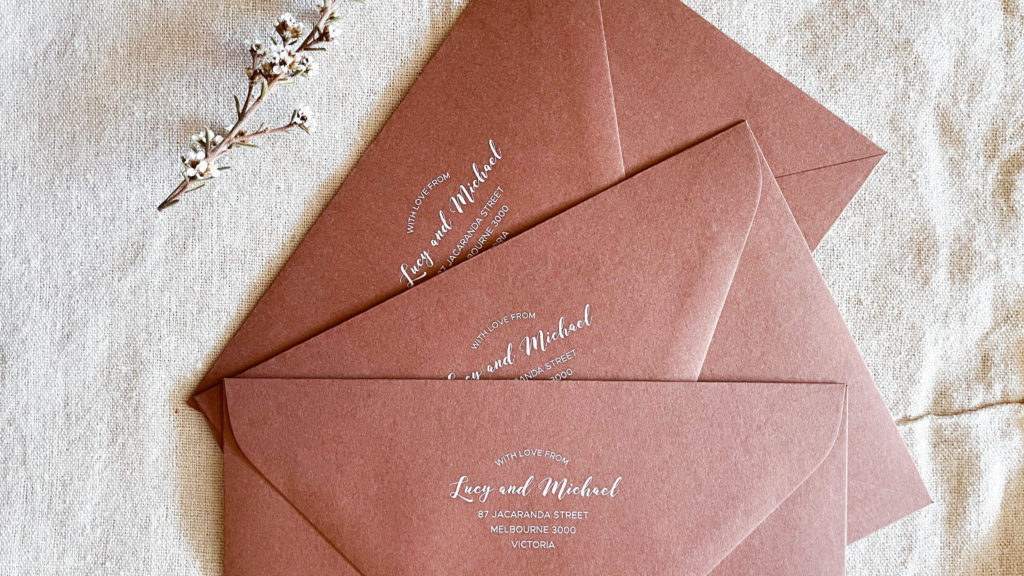
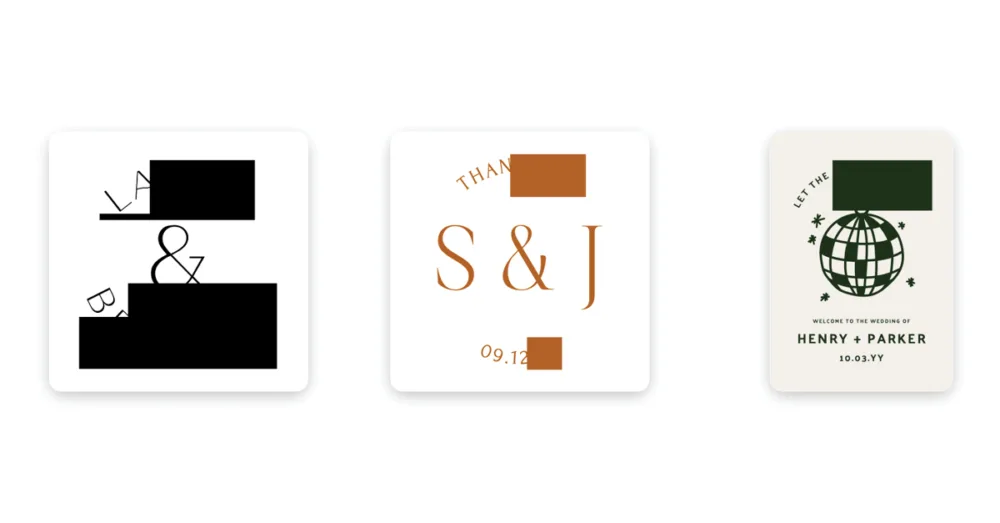
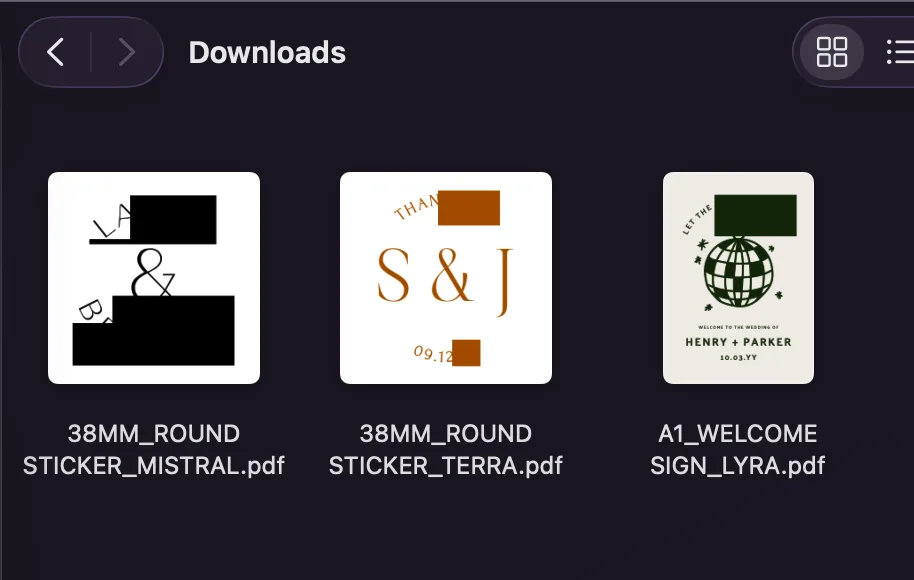
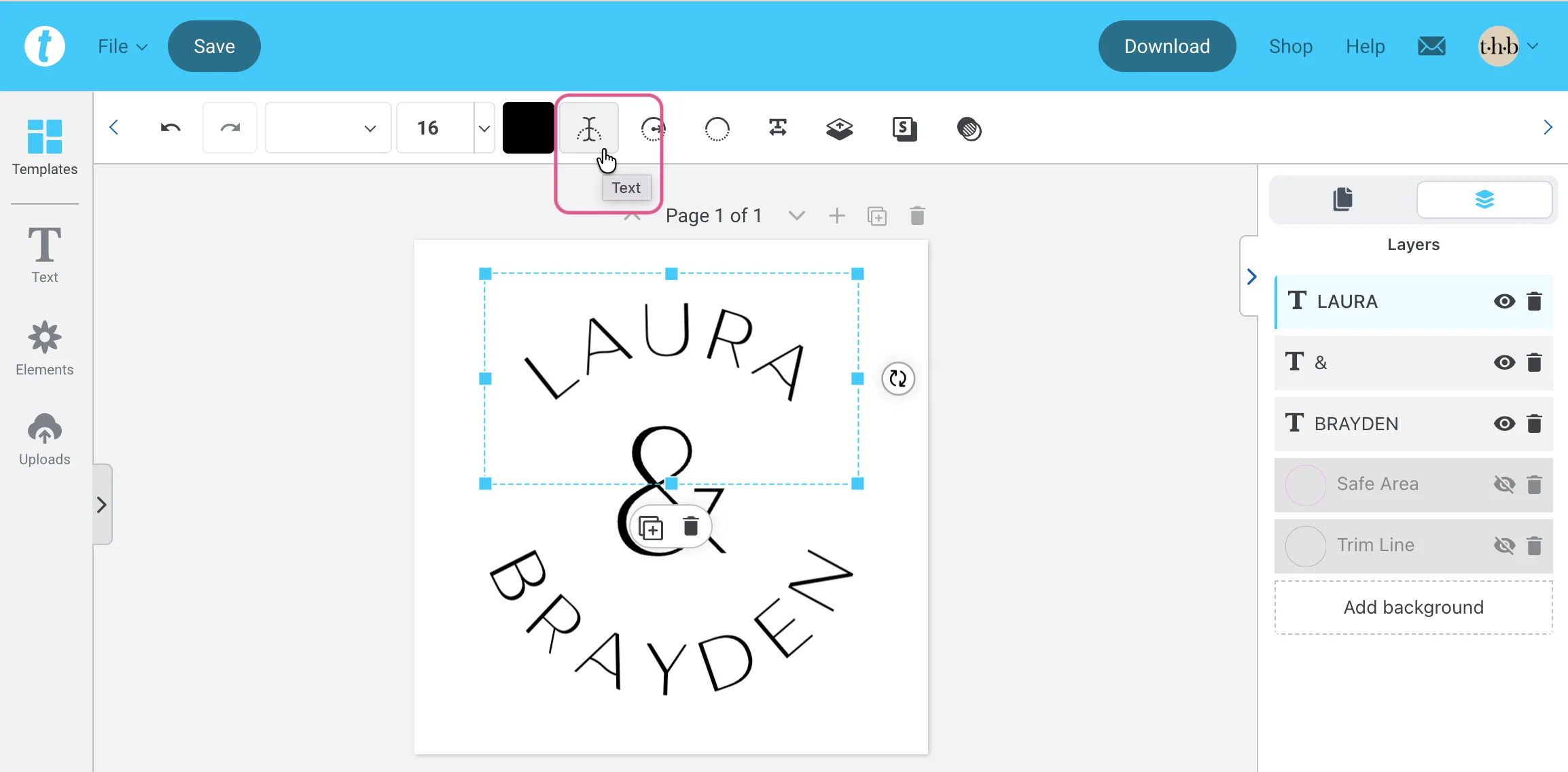
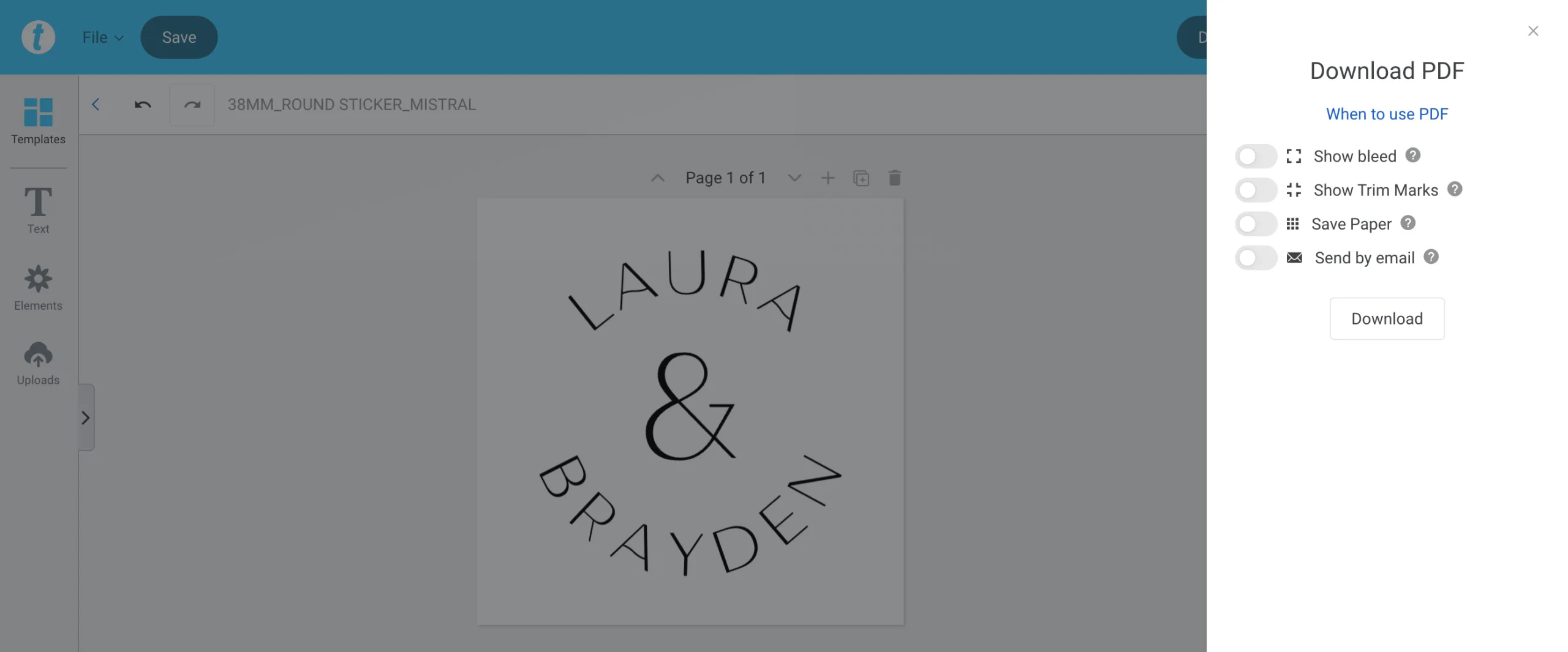
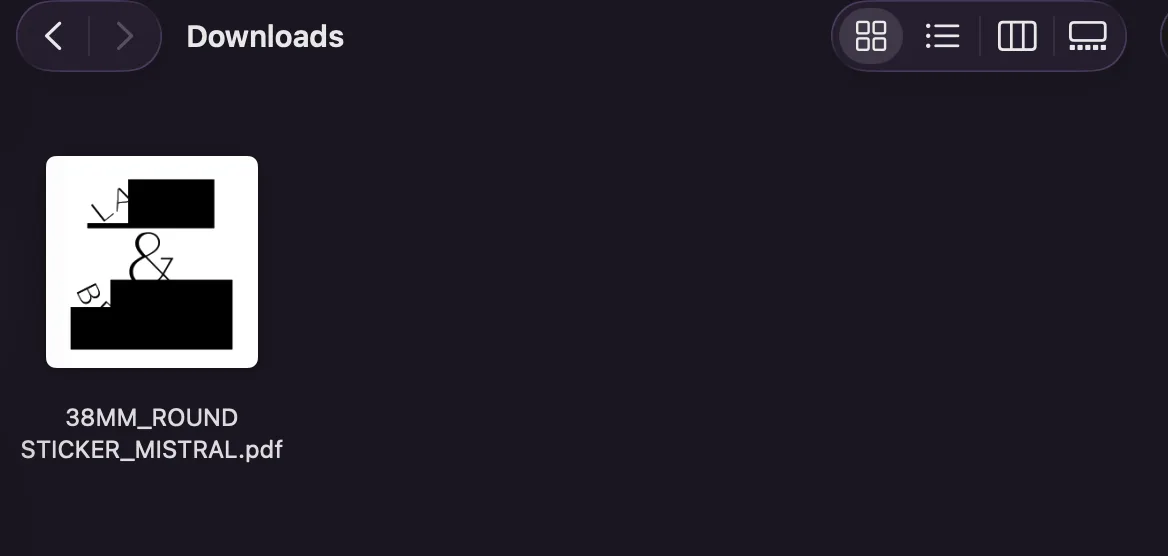
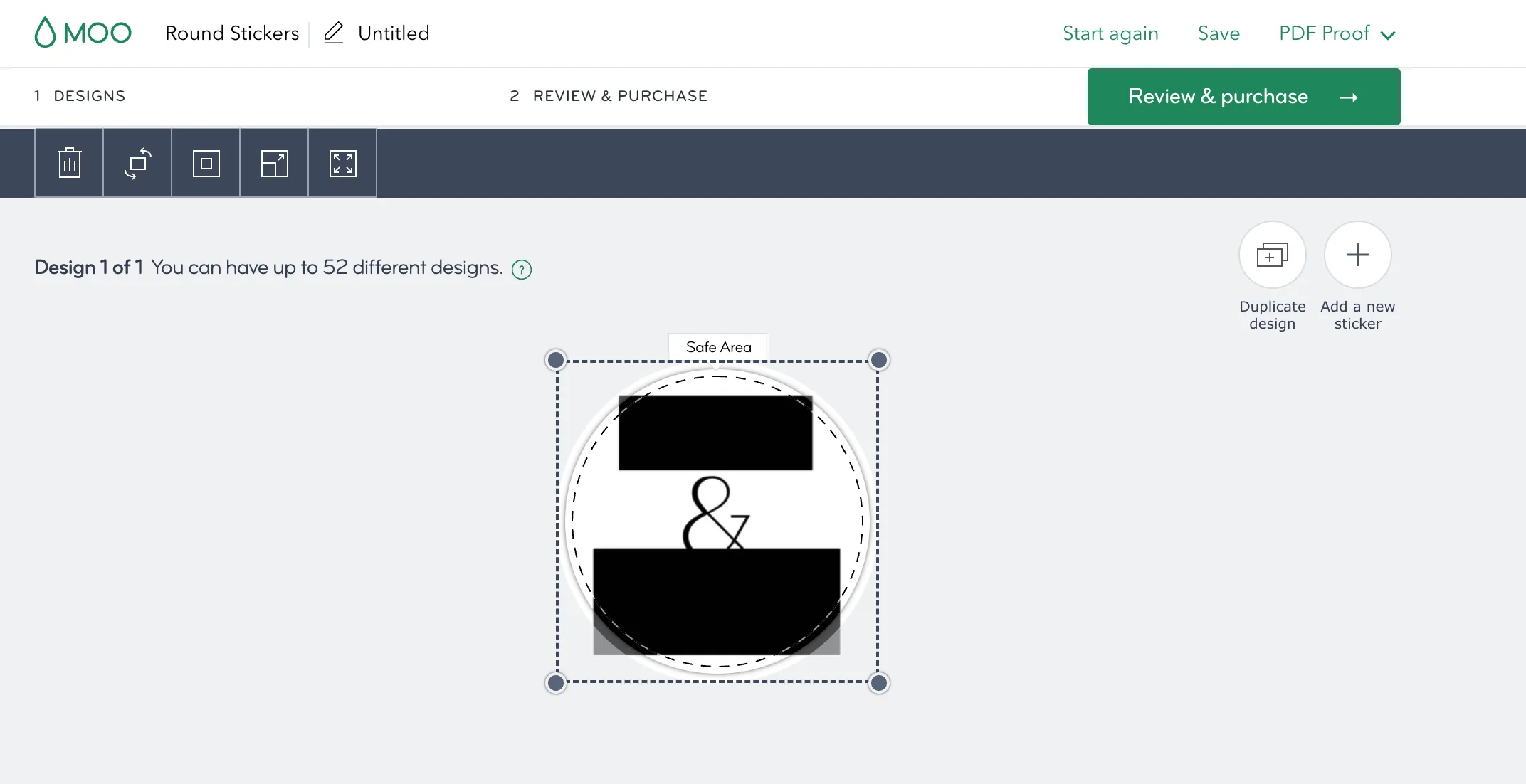
If you’ve downloaded your completed template as a PDF and find chunks of text replaced with solid coloured rectangles in the thumbnails, don’t panic. This is most likely because your design includes text formatted with the Arched Text tool and has unembedded fonts. These blocks over text are mainly a thumbnail preview quirk, so your actual PDF file is fine.
What you’re actually seeing
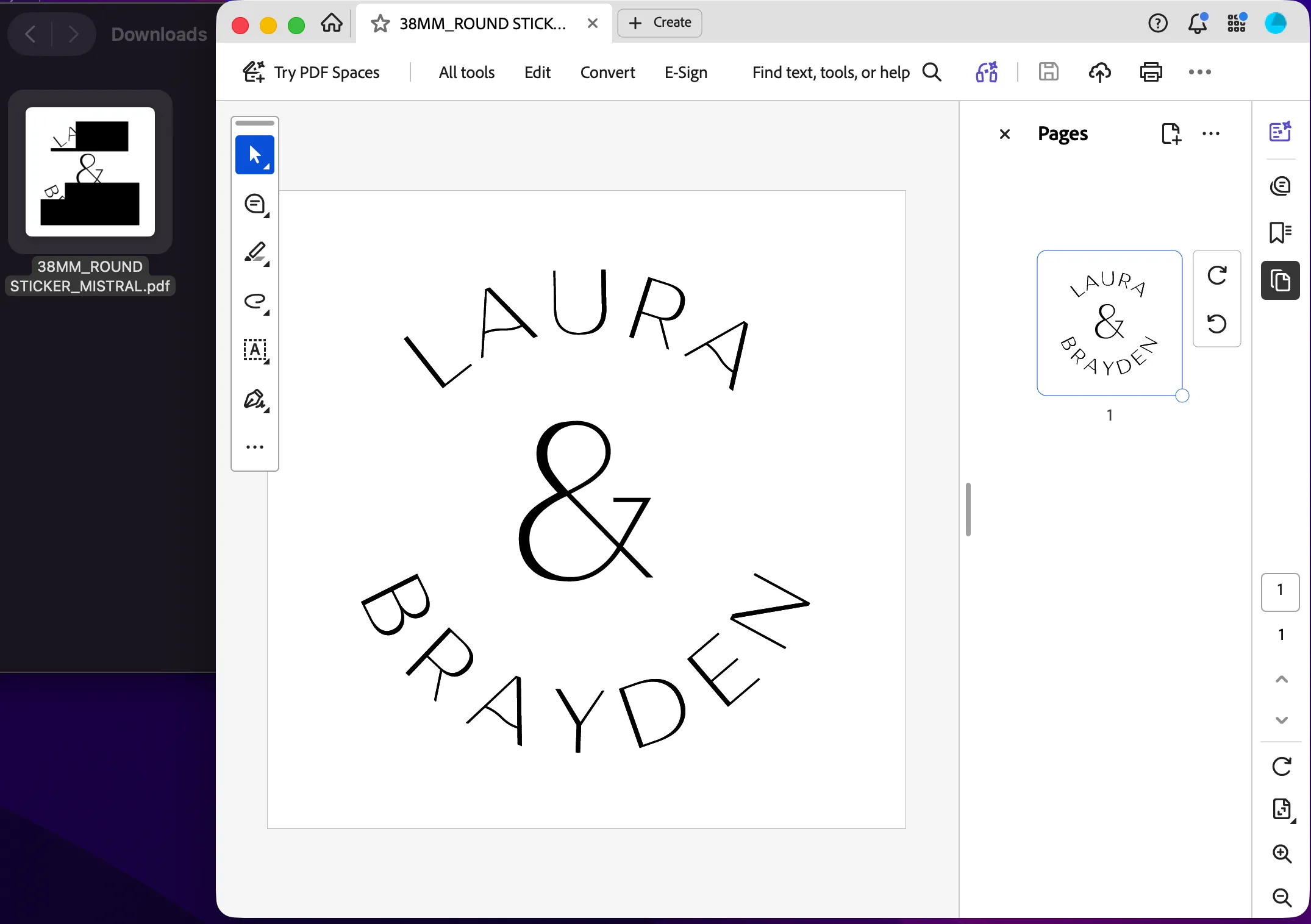
The blocks usually appear in thumbnail previews, which are the small icons that appear in your downloads folder on Mac or Windows. These previews are generated quickly and can’t always handle arched text paths, so they replace them with blocks.
This is an example from one of my sticker templates.
What are unembedded fonts?
When designs export as a PDF containing arched text, the fonts used in that element may not always embed cleanly into the file. Embedded fonts mean the font file travels inside the PDF itself, so any printer or program that opens it sees exactly what you designed. When fonts aren’t embedded, the PDF references the font by name but doesn’t include the actual file — which means some print suppliers will flag it as an error on upload.
This is a limitation of online PDF renderers rather than anything wrong with your design. Depending on which print supplier you use, you may see a warning about this when you upload.
How to confirm your file is fine
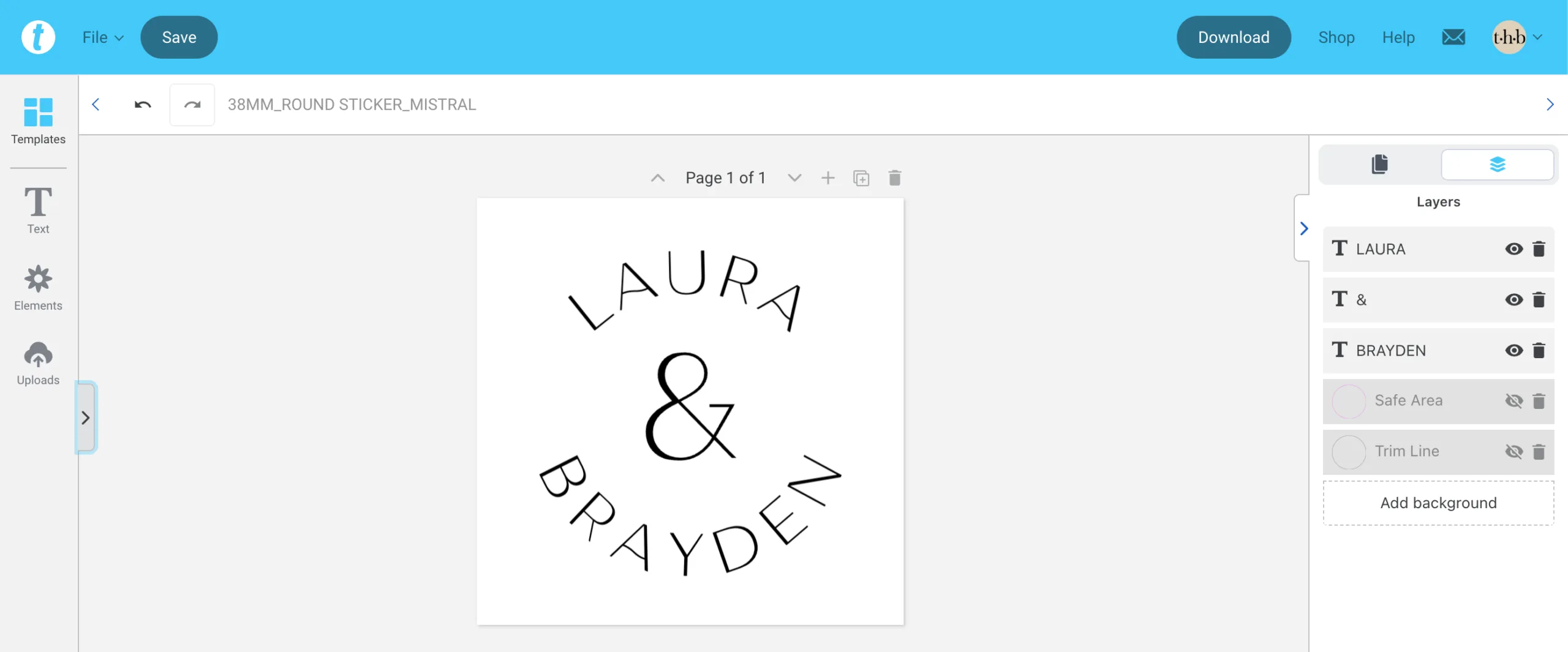
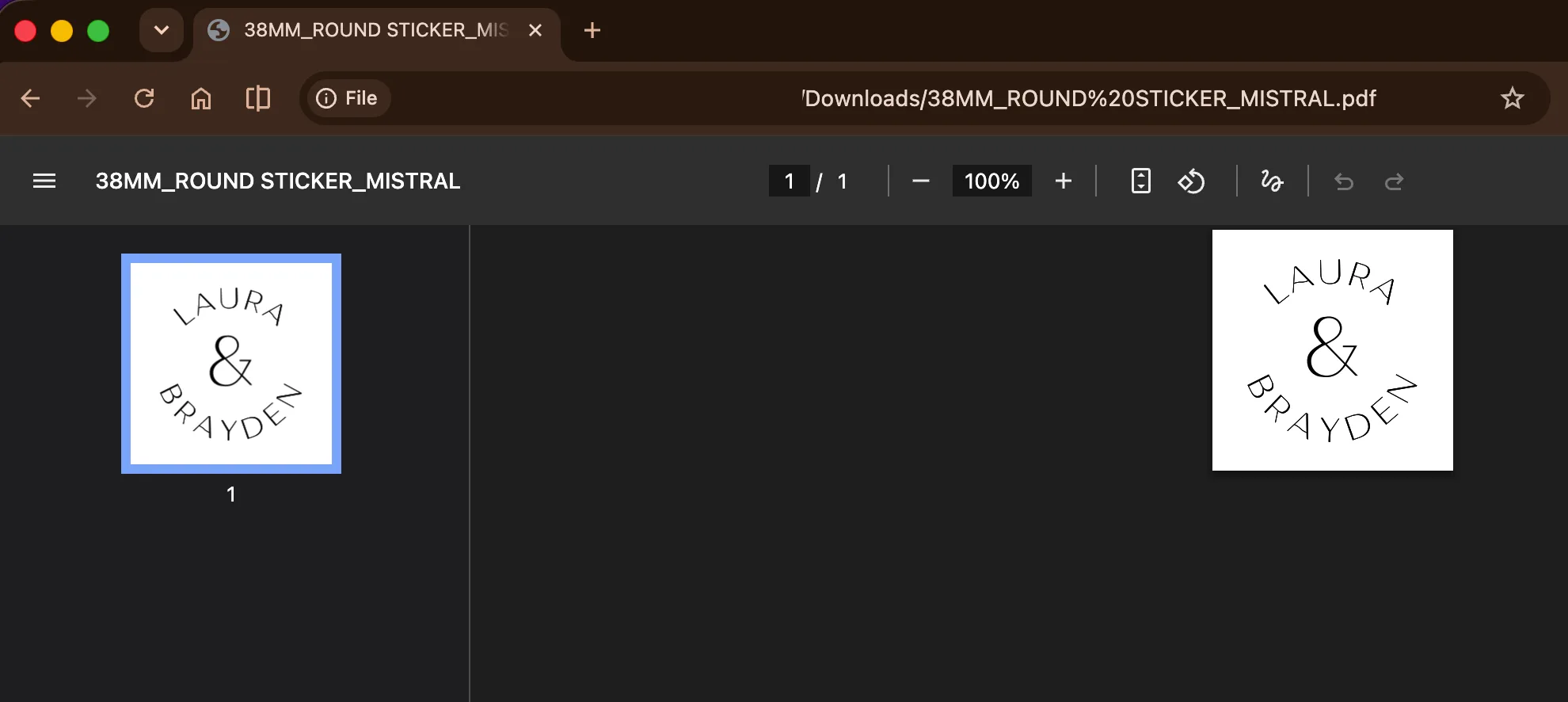
Try opening the file in Chrome, Preview, Adobe Reader, or any standard PDF viewer, and the arched text will display exactly as it should. If it looks correct when you open it, your file is fine.
What about printing?
Local print shop
This is the best option for designs with arched text. Email the PDF directly to your print shop and have a chat with them about the file. Most professional printers can handle unembedded fonts without any issue. You’ll also have the added reassurance of being able to talk it through with someone before committing to a full run.
If you don’t have a print shop nearby, find an online printer who you can email the file to first for checking before placing an order.
Online suppliers (MOO, VistaPrint, Zazzle etc)
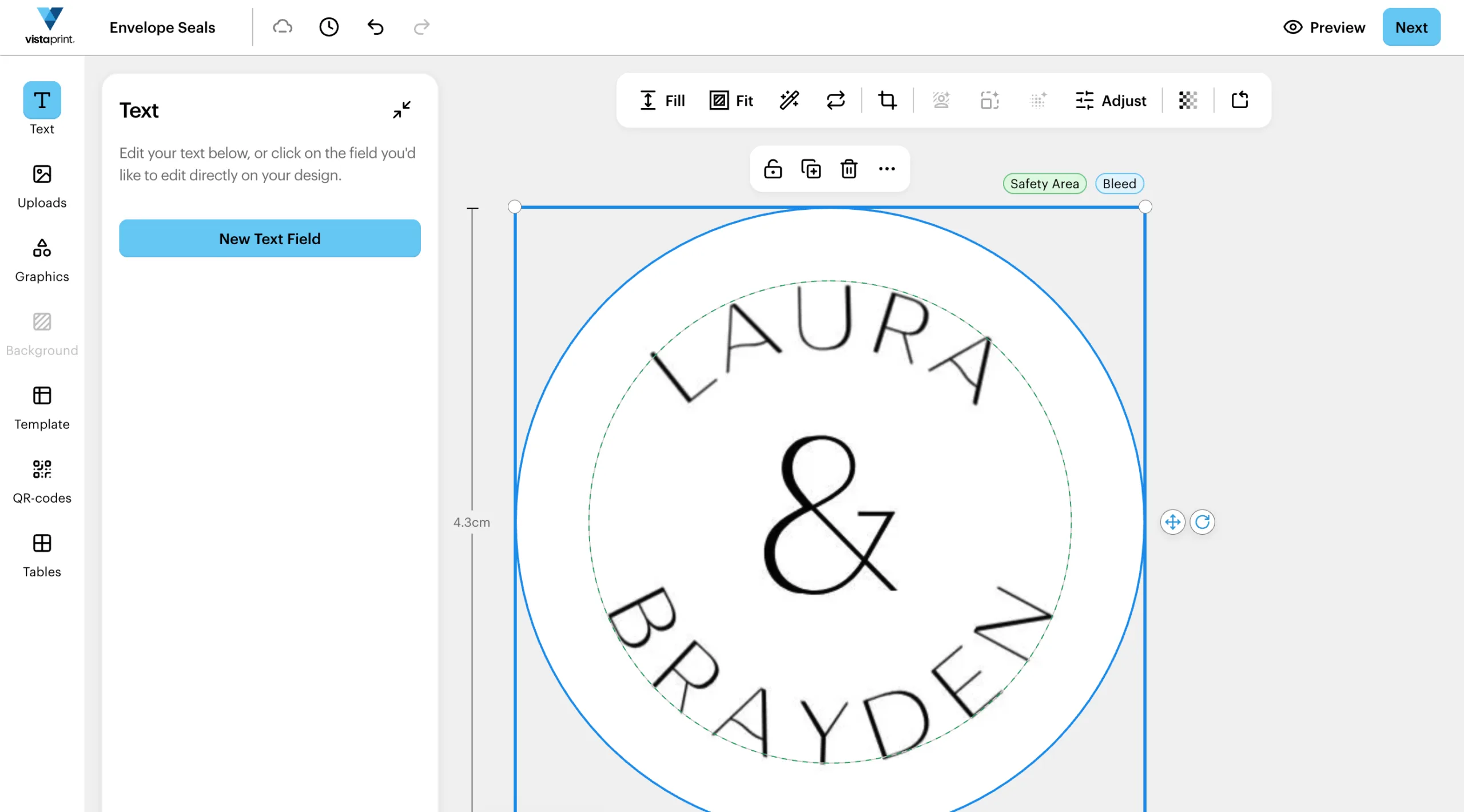
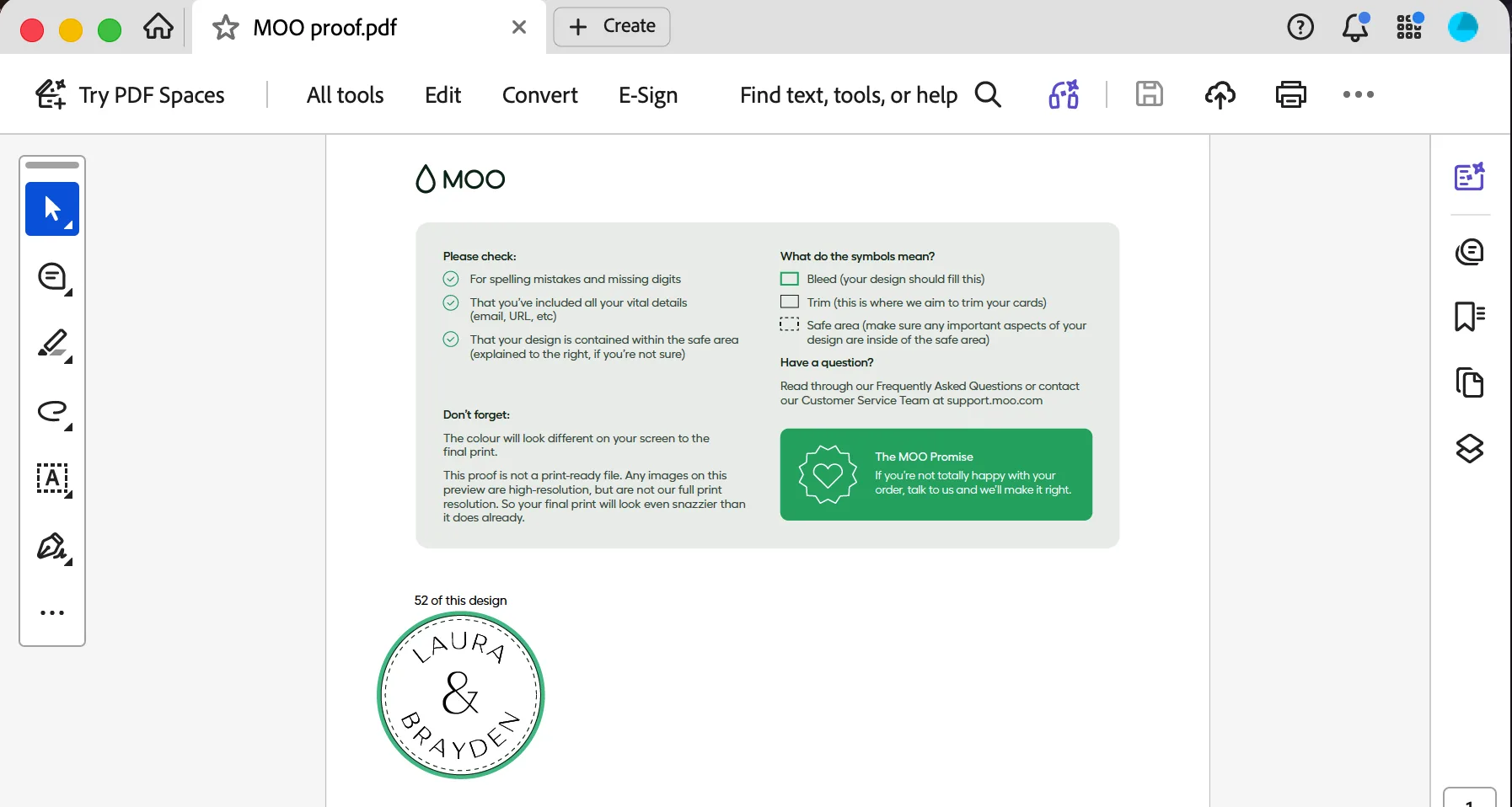
Upload your PDF as usual, but make sure to generate and preview a proof before placing your order. Some suppliers will accept the file without any warning; others may flag the unembedded fonts. If the proof looks correct, you’re good to go.
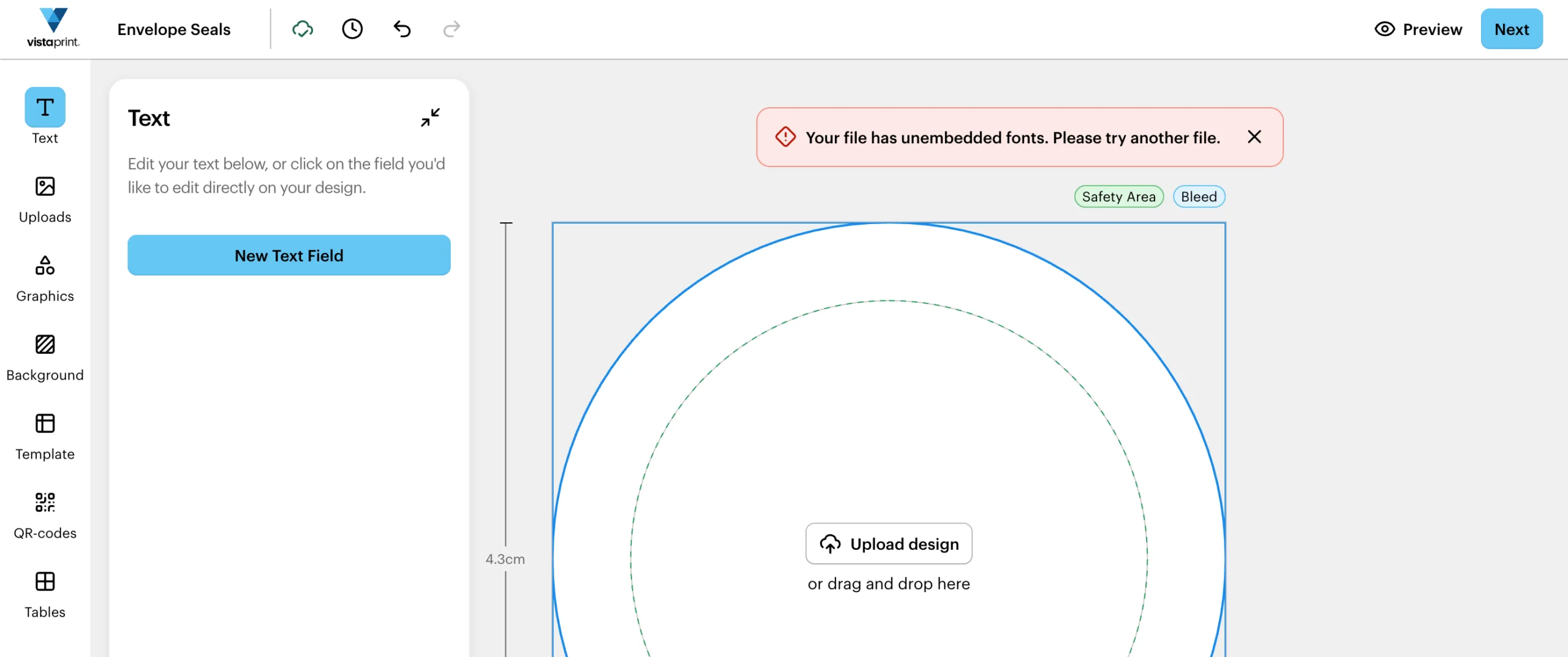
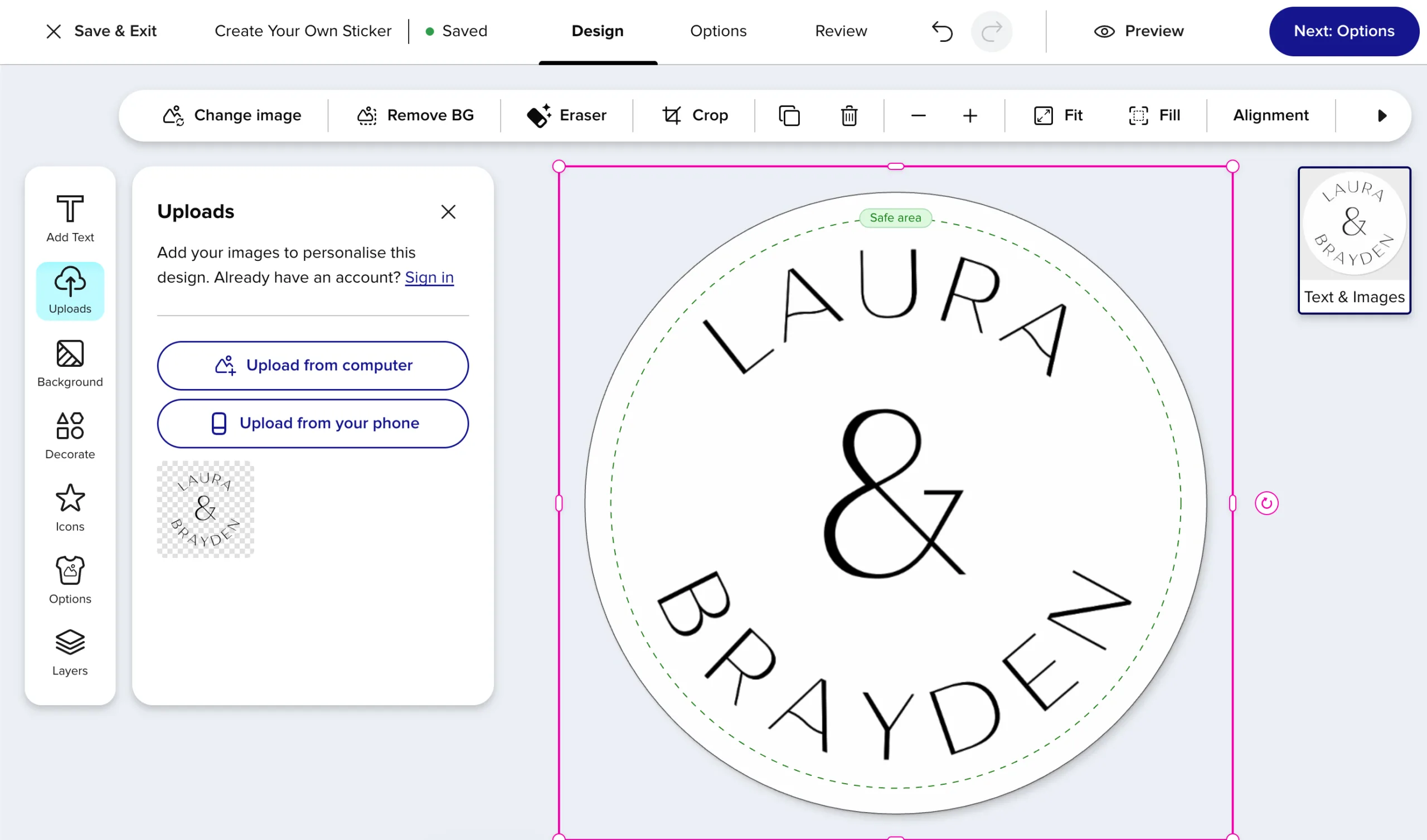
Here’s what I found when I tested the same PDF file across three popular online options.
VistaPrint
MOO
Zazzle
Backup option: download as a 300dpi JPG
If your PDF is being rejected, download your design as a JPG at 300dpi instead. The arched text gets rasterised into the image, so there are no font embedding issues. The trade-off is a small loss of crispness in the text compared to a vector PDF, so I’d recommend this as a last resort rather than a first choice.