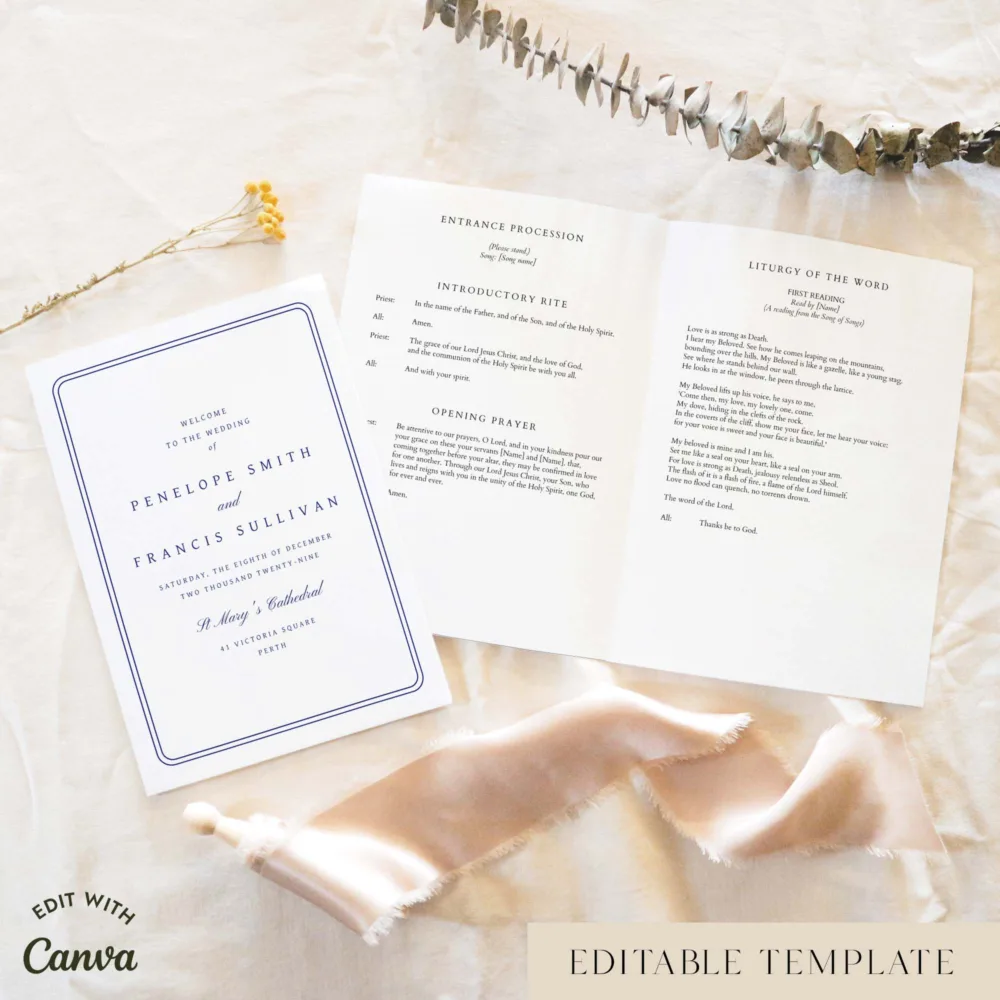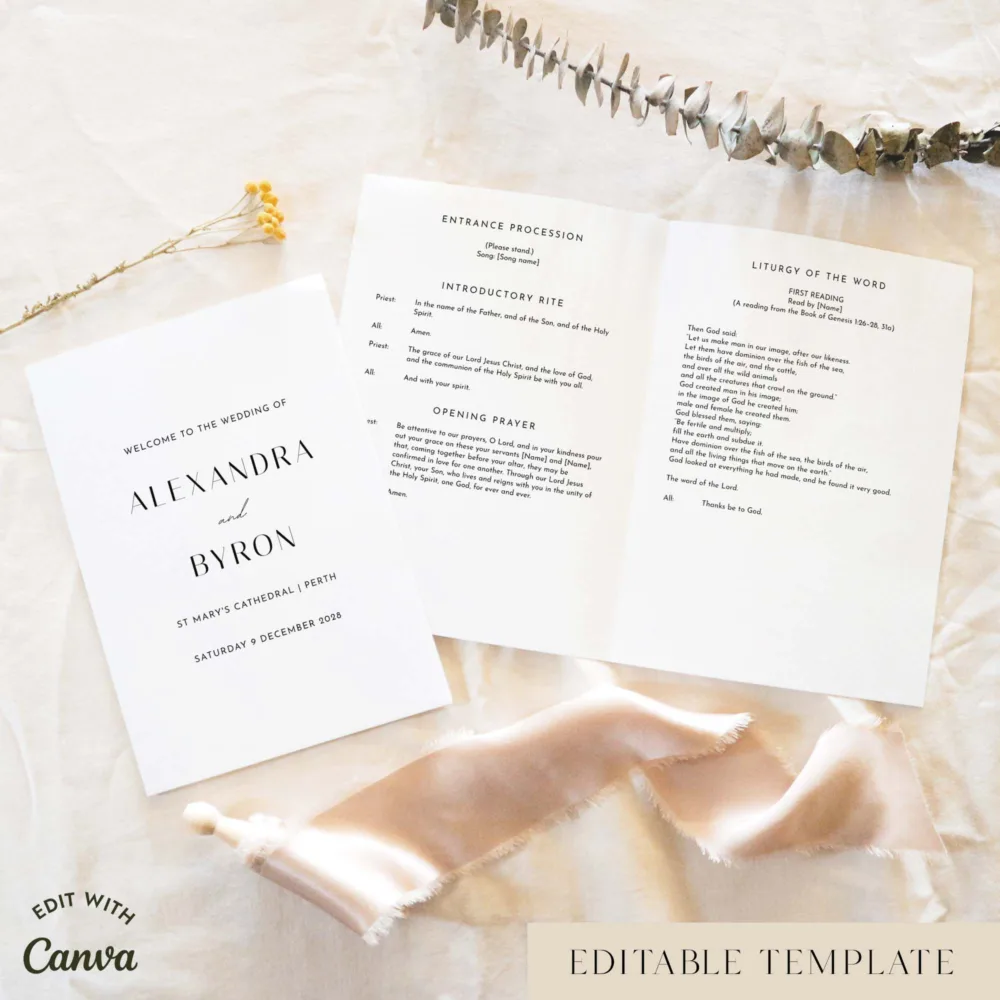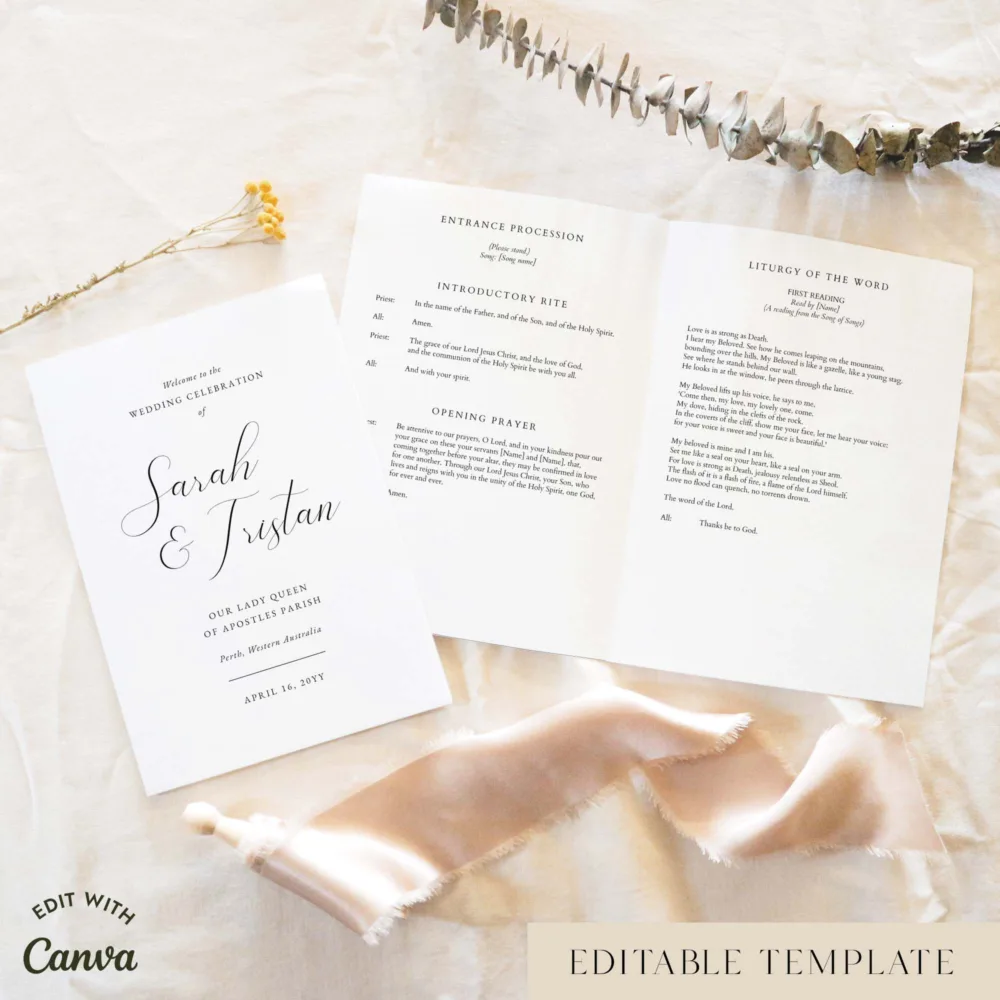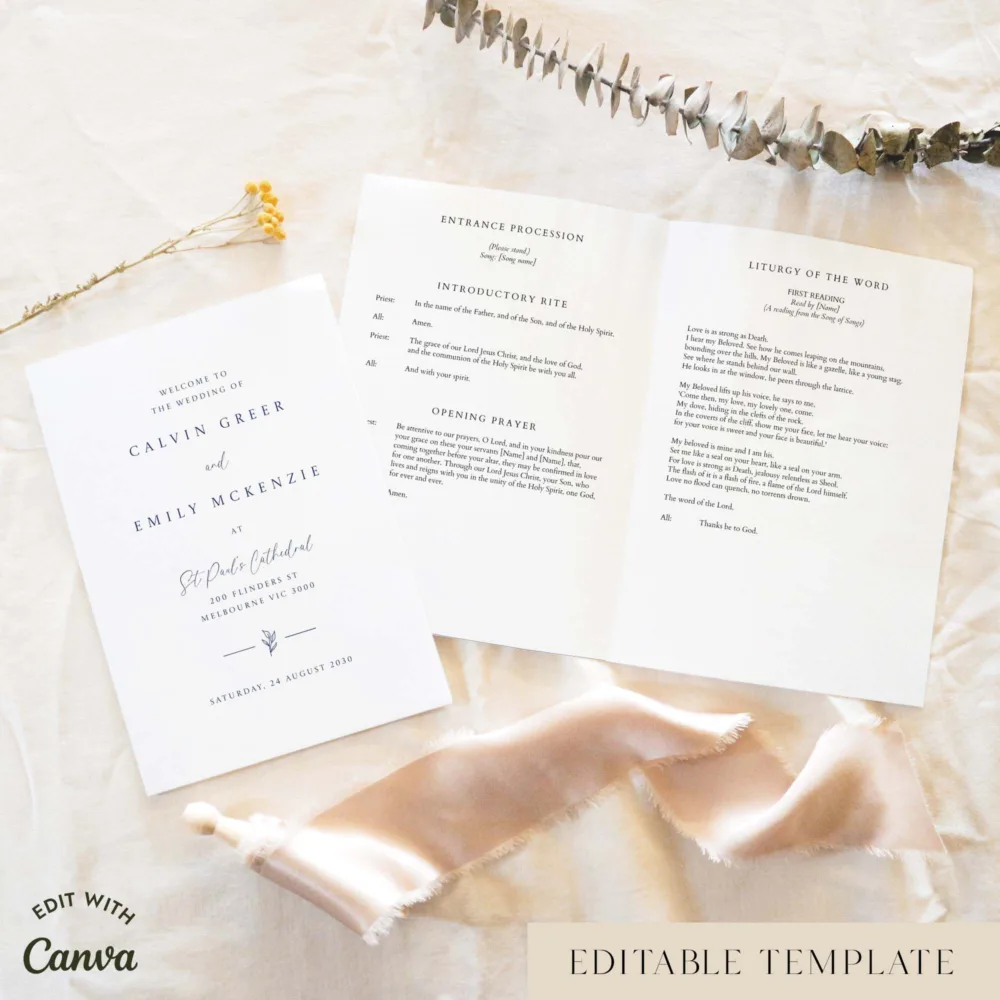
❗️Important: These instructions are for customers who purchased templates from The Hello Bureau. If you bought a template elsewhere, please refer to your original seller for guidance. We are unable to assist with templates that were not created by us.
Preparing Your File for Download
Before you export anything, take a few minutes to check these three important things.
1. Page count
Most ceremony booklets are printed on folded A4 or US Letter sheets, which means your total page count needs to be divisible by four. A 4-page booklet uses one folded sheet, an 8-page booklet uses two, and so on. If your count lands on an odd number, you’ll end up with a random blank page mid-booklet. Add a spare page (a simple “thank you” or decorative filler) to bring it back into line.
2. Typos and wording
Once your file is sent to print, there is no fixing it. It’s best to get a second pair of eyes to read through every word, including the order of service, names, and times.
3. Images
If you’ve added your own photos, check that they look sharp on screen at full size. Blurry images on screen will print blurry.
Canva Template PDF Files
If you are using one of our Canva templates, your file will save as a multi-page PDF in page order. If there are any blank pages in the document, leave them as they are. Your file is now ready to send to a printer.
Finding a Print Shop
For a job like this, a dedicated print shop will give you the best result and the most flexibility. Search Google or Google Maps for print shops near you — most handle booklet printing regularly and are happy to answer questions or run a test copy before your full print run.
If you’d prefer a known name, Kwik Kopy, Snap, and Worldwide are reliable chains with locations across Australia and experience with booklet printing.
Store printing services like Officeworks, or online printers like VistaPrint, can technically handle the job, but turnaround times and shipping may be cutting it close for a wedding. A local print shop gives you more control over timing and the option to check a proof in person.
What to Tell Your Printer
When you contact your print shop, have these details ready including a copy of your PDF:
- Size: A5 (148 x 210mm) or 5.5″ x 8.5″ (if you’re using Half Letter)
- Number of pages: Let them know how many pages you have including the cover and inserts
- File format: Multi-page PDF, in page order
- Bleed: Let them know whether your file includes bleed or not (you’ll know from the download step above)
- Orientation: Portrait
- Colour: Let them know if your booklet is full colour or black and white only
- Binding: For binding, saddle stitch (two staples through the centre fold) is the most common and cost-effective option for ceremony booklets. If you plan to bind or tie the booklets yourself, ask the printer to fold only and skip the binding step
- Paper weight: If your print shop asks about paper weight, here’s a simple guide:
- Cover: 120gsm gives the cover a slightly sturdier feel without being too thick to fold cleanly
- Inside pages: 80gsm is standard office paper weight and works fine. If the booklet is something guests might keep, 100gsm gives a noticeably nicer result
- Required date: Give your printer the date you need the booklets by so they can confirm they can fit the job in
- Pickup or delivery: Let your printer know whether you’ll be collecting in person or need the booklets delivered
A print shop may also ask whether you’d like a matte or gloss finish (matte is standard for booklets) and confirmation that pages are to be printed double-sided. Both are worth having an answer ready for.
Questions to Ask Your Printer
Before you confirm the job, it’s worth asking:
- Can I see a proof or test print first? Some print shops are happy to run a single copy before printing the full quantity. This lets you check colour, alignment, and page order before committing.
- What is your turnaround time? Give yourself and the print shop more time than you think you need, particularly in the lead-up to busy wedding seasons. As a general rule, we recommend sending your file off to print at least three weeks ahead of the wedding.
- What will it cost? Ask for a quote based on your page count, paper weight, colour requirements and quantity so there are no surprises.
Example Email to Printer
Not sure how to word it? Here’s a simple email template you can adapt:
Hi [print shop name],
I am looking to get my wedding ceremony booklets printed and would love a quote. Please find the PDF attached for your reference.
The booklet is A5, portrait, [X] pages, [full colour / black and white], double-sided, saddle stitched. I would like 120gsm for the cover and 100gsm for the inside pages.
Could you please provide a quote for [quantity] booklets, confirm whether you offer a test print or proof, and advise on your turnaround time?
My wedding is on [date] and I will need the booklets by [date].
I will be [collecting in person / require delivery to (your address)].
Thank you, [Your name]
Final Thoughts
Printing your ceremony booklets is an exciting process as you get to see your design come to life. With your file prepared and a local print shop briefed, the hard part is already done. If you haven’t started on your booklet yet, browse our Catholic Wedding Ceremony Booklet collection for a template that’s ready to customise. For wording examples, check out our blog post Catholic Wedding Booklet Wording Example (Australia).