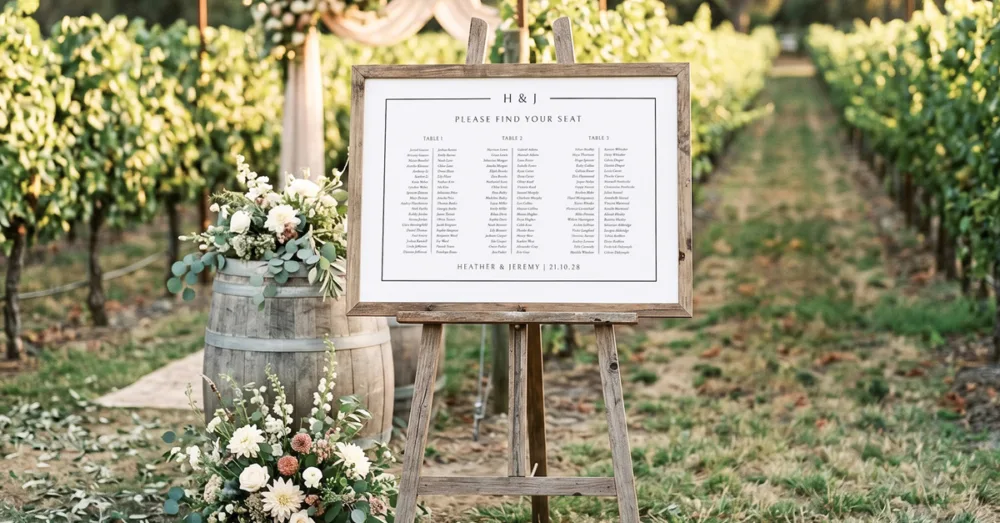
❗️Important: These instructions are for customers who purchased templates from The Hello Bureau. If you bought a template elsewhere, please refer to your original seller for guidance. We are unable to assist with templates that were not created by us.
Your template is edited, saved and ready to print. Great job! This guide covers everything you need to know about how and where to print your seating chart.
How to Export Your Template from Templett
Before anything goes to print, you need to download your finished design as a PDF. All of our seating chart templates are formatted to A1 size (594 x 841 mm), ready for professional printing. They also come with an A2 option (420 x 594 mm) for those who prefer a smaller sign.
Open your template in Templett and finalise all your edits, including every guest name and table number. This is a good time to check for typos and that guests are paired with the correct table number.
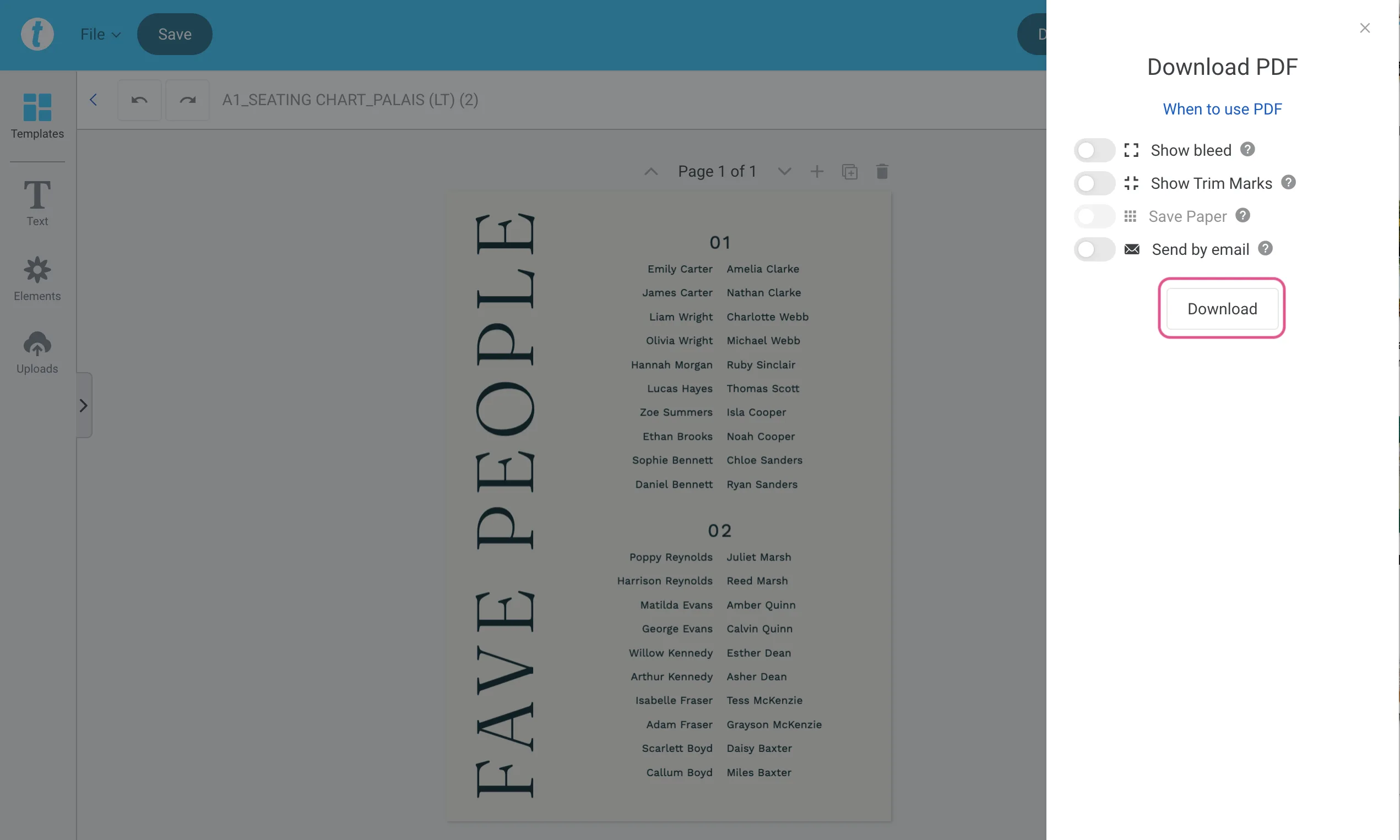
Click the Download button in the top right corner. Select PDF as your file format. This is what most professional printers require.
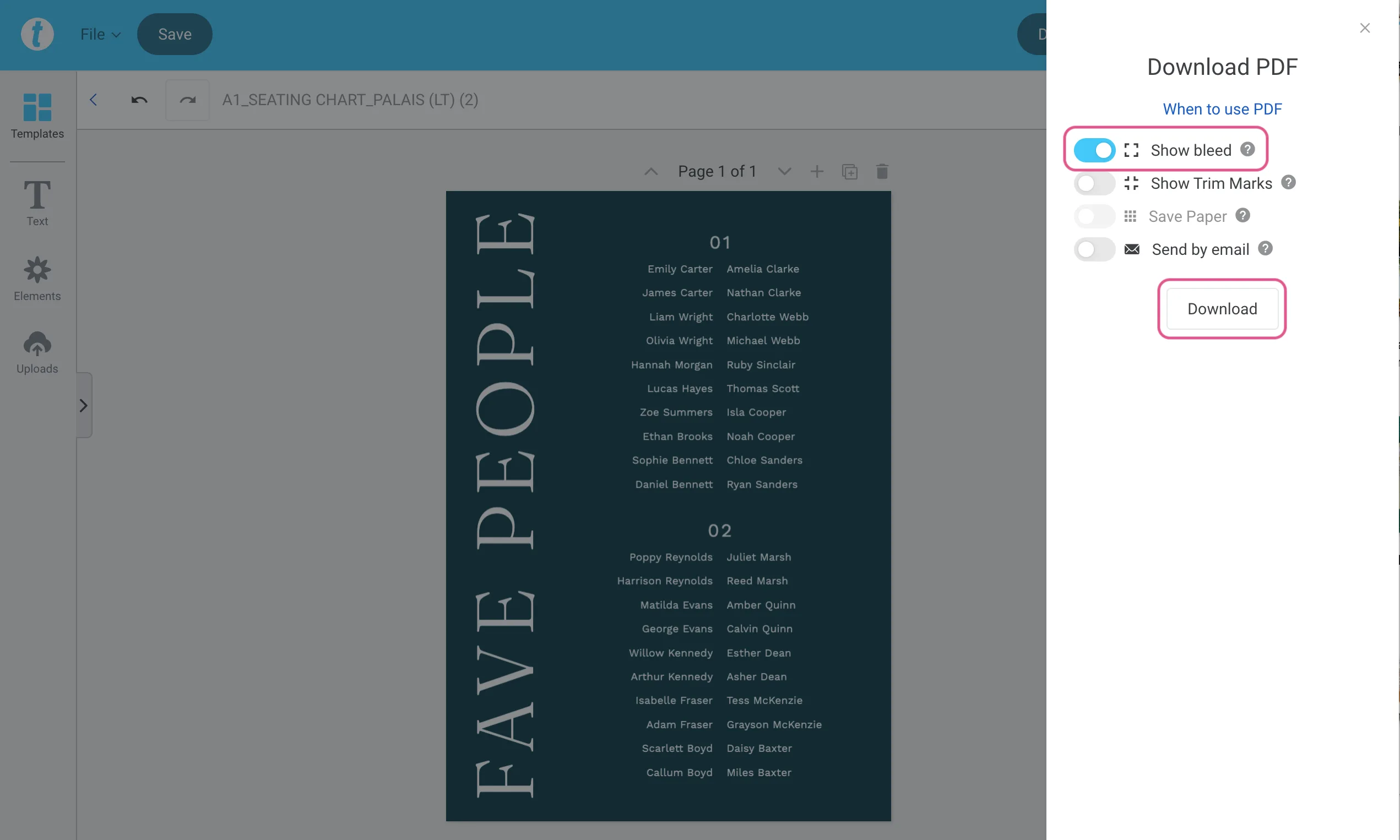
If your design has a coloured background or elements that run to the edge of the page, toggle Bleed on. This extends your design by a few millimetres and prevents thin white edges after trimming.
If your printer has asked for trim marks, toggle those on too. Hit download and save the file somewhere easy to find.
What to Print Your Seating Chart on
Before you choose a printer, decide how you want to display your sign. That will guide everything else.
Poster print (from around $30 AUD*): Poster is the most affordable print option for A1 signage. You’ll receive a flat printed sheet that you can frame or mount yourself. A1 frames are available from IKEA, Kmart and even Facebook Marketplace. This works well if you already have a frame in mind or want to keep costs down. Choose a paper stock over 160gsm for the best results.
Foam board mount (from around $110 AUD*): This is when the printer prints and mounts your design onto rigid board in one step. The seating chart is ready to place straight onto an easel with no extra effort required. This is the most popular choice for weddings and events, and is the easiest option if you just want a finished sign. Foam boards come in a variety of widths but we’ve found 5mm to be the perfect one for signage.
*Based on Officeworks pricing at the time of writing.
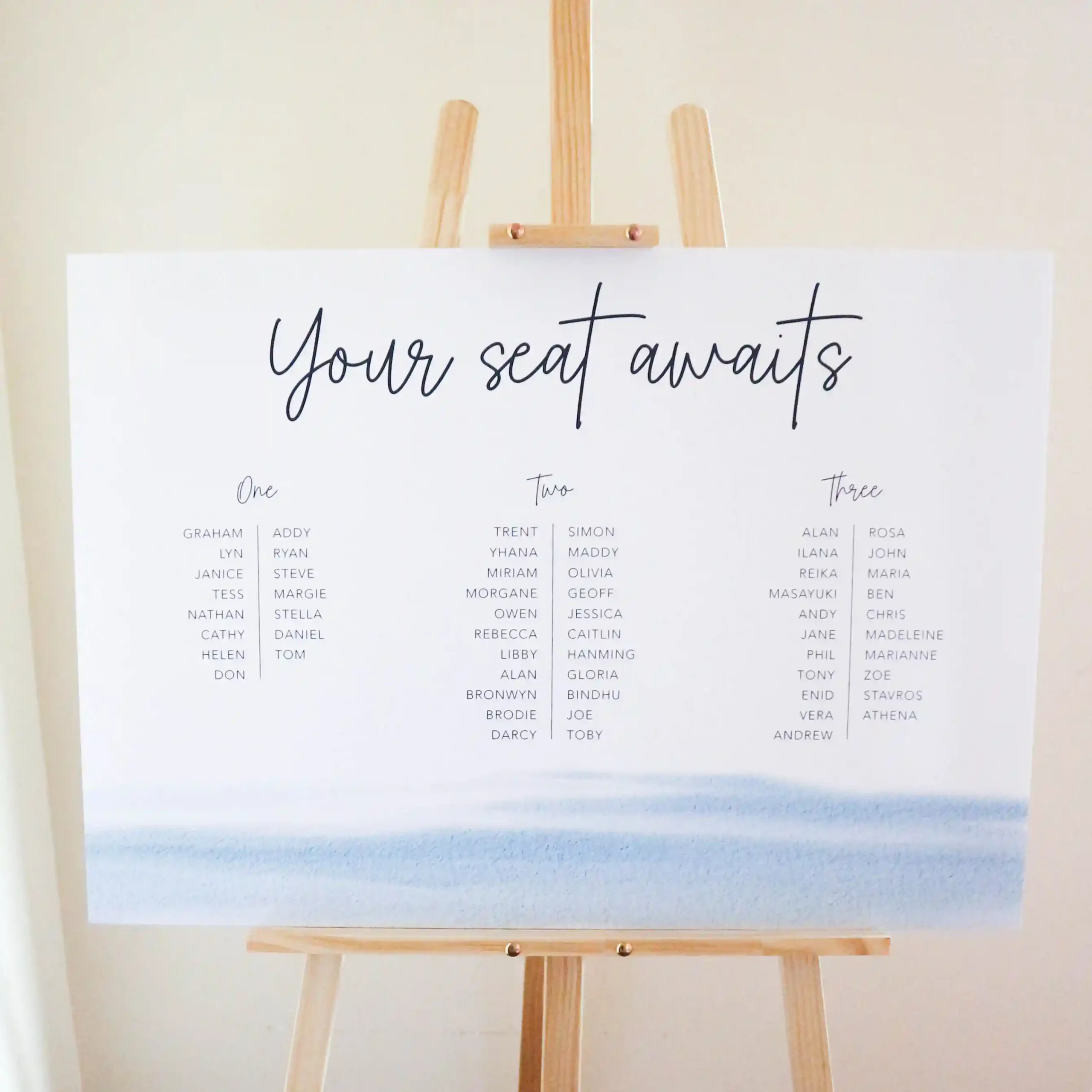
Where to Get Your A1 Seating Chart Printed in Australia
Here’s what we recommend based on experience.
- Local print shops are the best option, hands down. They can advise on paper stock, handle colour management properly and turn jobs around quickly. You can call or email ahead to discuss the job, and if they’re nearby, you’ll save on shipping time and cost. Most are also happy to courier if you need it. Estimated turnaround time is 3 to 5 business days.
- Officeworks is a good second choice if there’s a store near you. If you’re ordering online, we recommend selecting click-and-collect rather than having it shipped — large format prints can get damaged in transit. Keep in mind that some Officeworks large-format printing is done offsite and returned to the store, so it’s slower than a local print shop. (We know because we asked them about it.) Estimated turnaround time is 7 to 14 business days.
- Online services like VistaPrint and Zazzle are viable options, but in our experience they take time to arrive. If you’re less than two weeks out from your wedding, it’s a gamble. Local print shops may cost a little more, but the peace of mind is worth it. Estimated turnaround time is 10 to 21 business days.
What to Tell Your Printer
When you contact your print shop, have these details ready along with a copy of your PDF:
- Size: A1 (594 x 841 mm)
- Number of prints: How many copies you need, or how many different signs if you have more than one file
- File format: PDF
- Bleed: Let them know whether your file includes bleed (you’ll know from the export step above)
- Orientation: Portrait or landscape
- Colour: Full colour or black and white
- Finish: Let them know if you want poster print, 5mm foam board mount, or your preferred option
- Paper thickness: Minimum 160gsm for posters
- Eyelets: Not all print shops offer this, but worth asking if you need to hang your sign
- Required date: Give them the date you need it by so they can confirm the turnaround
- Pickup or delivery: Let them know whether you’ll collect in person or need it couriered
Questions to Ask Your Printer
Before you confirm the job, it’s worth asking:
- What is your turnaround time? Give yourself and the print shop more time than you think you need, particularly in the lead-up to busy wedding seasons. As a general rule, we recommend sending your file off to print at least two weeks ahead of the wedding.
- What will it cost? Ask for a quote based on your seating chart format, finishing and quantity so there are no surprises.
Example Email to Your Printer
Not sure how to word it? Here’s a simple template you can copy and adapt:
Hi [print shop name],
I’m looking to get my wedding seating chart printed and would love a quote. Please find the PDF attached for your reference.
The seating chart is A1, portrait, [full colour / black and white]. I’d like it printed and mounted onto 5mm foam board.
Could you please provide a quote and let me know your turnaround time? My wedding is on [date] and I’ll need the seating chart by [date].
I’ll be [collecting in person / requiring delivery to (your address)].
Thank you, [Your name]
A Note on Colours
One thing that surprises a lot of people: your printed colours will look a little different to what you see on screen. Screens display colour in RGB (backlit), while printers use CMYK inks. We’ve written about it in more detail here: The Difference Between CMYK and RGB Colour Modes. Every monitor is calibrated differently too, so a soft blush on your laptop might print slightly warmer or cooler depending on the printer and paper stock.
Final Thoughts
A seating chart is one of the last pieces of stationery you’ll pull together, usually when you have a lot of other things still on your list. Getting the print right doesn’t need to be complicated. Download your PDF, email it to a local print shop or order online, and choose your preferred finish for the best result on the day.
This post may contain affiliate links. For more information, please read our Affiliate Disclaimer.