❗️Important: These instructions are for customers who purchased templates from The Hello Bureau. If you bought a template elsewhere, please refer to your original seller for guidance. We are unable to assist with templates that were not created by us.
For templates using Templett from The Hello Bureau, no software download is required and everything is edited directly in your browser.
Before purchasing, you can try any design using the demo link on our product pages in our shop. No email is required, simply click and explore.
Once in Templett, you’ll have full control over text, fonts, and colours. Background images, template size, and orientation are fixed — but everything else is yours to personalise.
Note: Full saving and downloading unlocks after purchase.
Two Emails After Purchase
You’ll receive two emails after your order is confirmed and payment is successful:
- An order confirmation from The Hello Bureau or Etsy
- An access link from Templett (sent from orders@templett.com)
Check your junk or spam folder if you don’t see them — automated emails have a habit of ending up there.
If you haven’t received the email from Templett within a few minutes, please get in touch with us and we’ll sort it out for you. Occasionally, automated emails may not go through due to email filters.

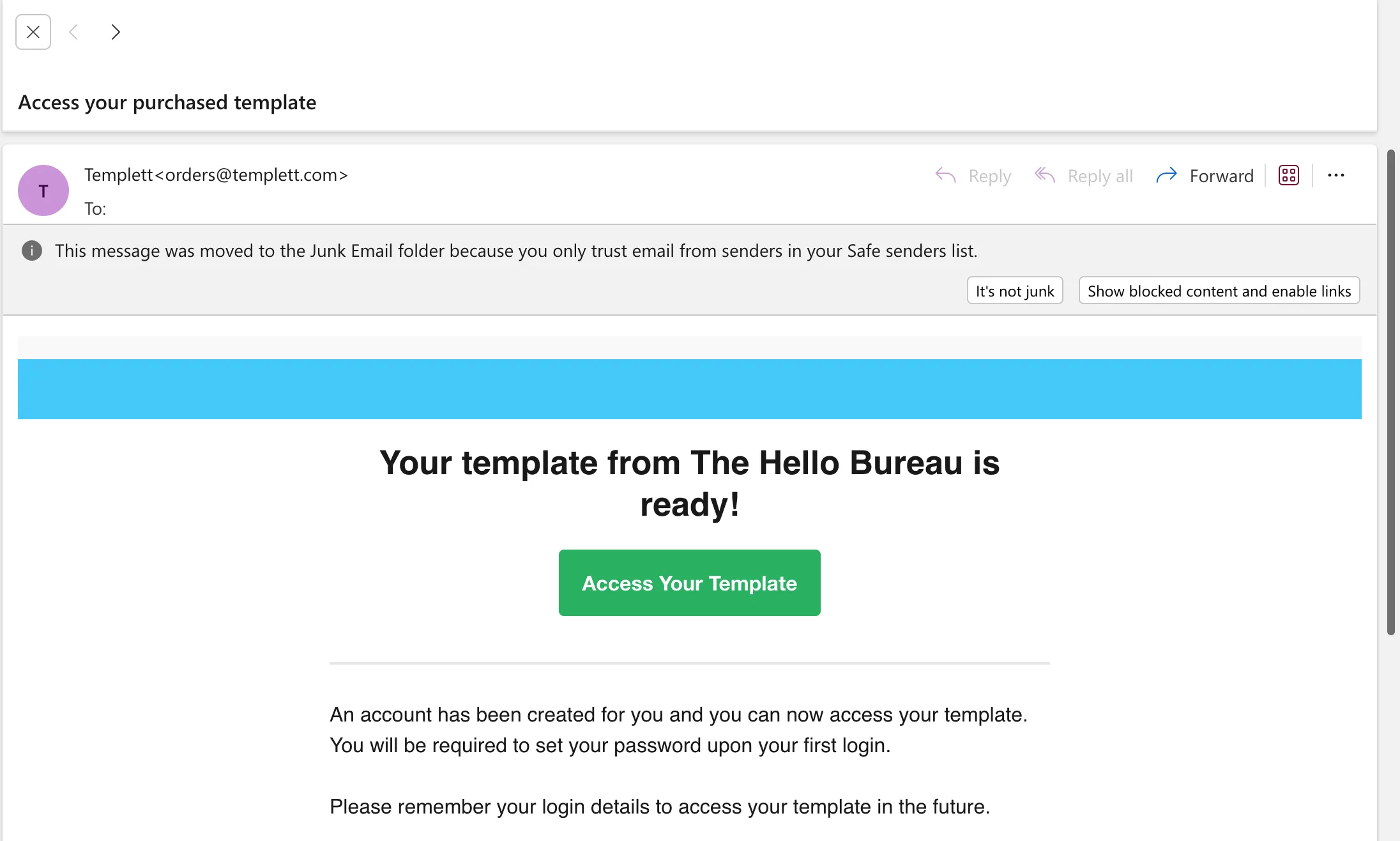
In the Templett email, click on the green button that says “Access Your Template”. As you can see below, this email was in the Junk Email folder.
Your Free Templett Account
If you already have a Templett account, your new template will be automatically added—you can simply log in to access it.
If you don’t have an account yet, Templett will prompt you to create one when you click the access link.
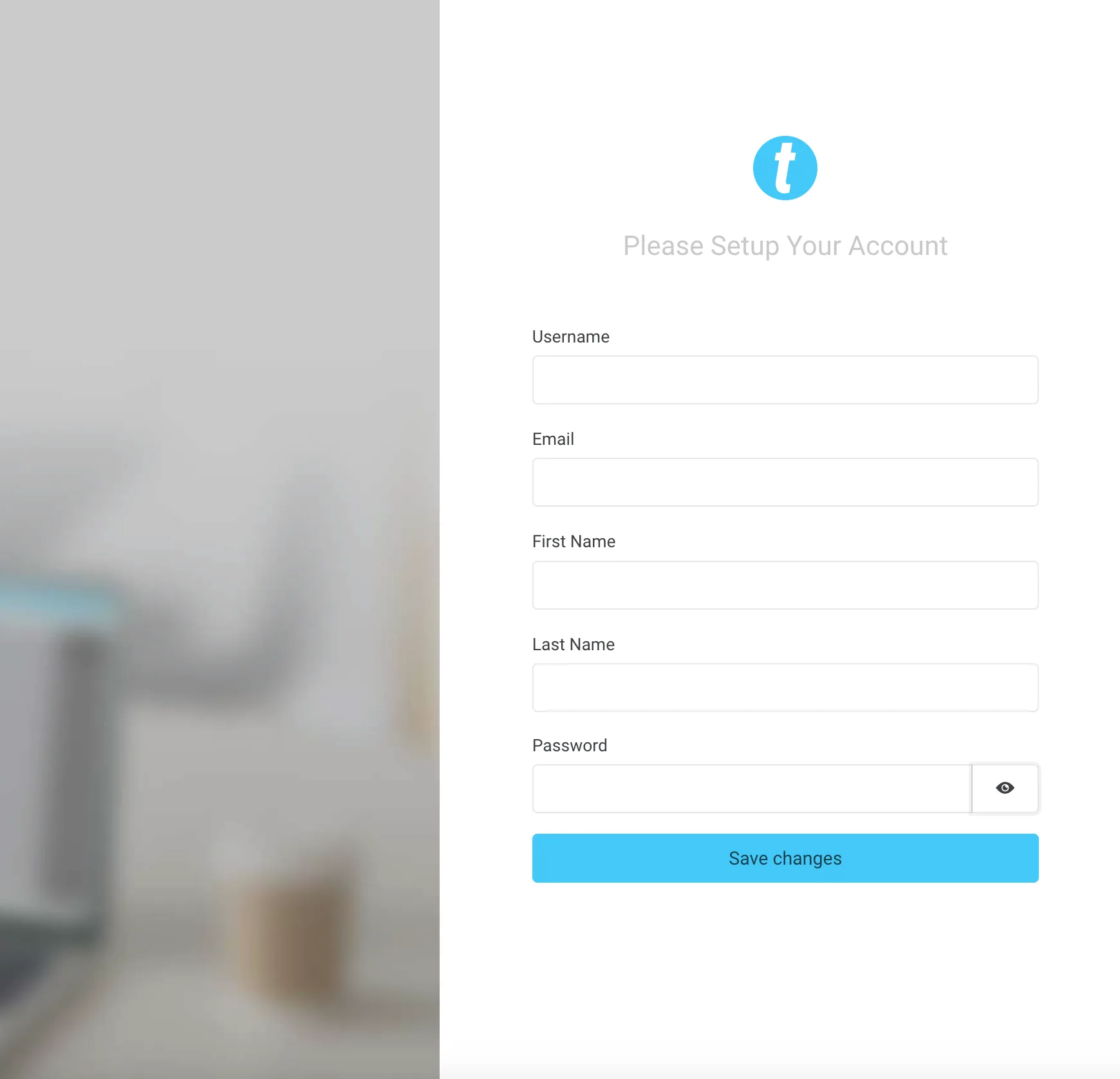
Your username can be your email address or any name you prefer. Keep these login details handy, as you will need it every time you want to edit your templates.
Once you’ve logged into Templett, you’ll be taken to your dashboard where all your templates will be waiting for you.
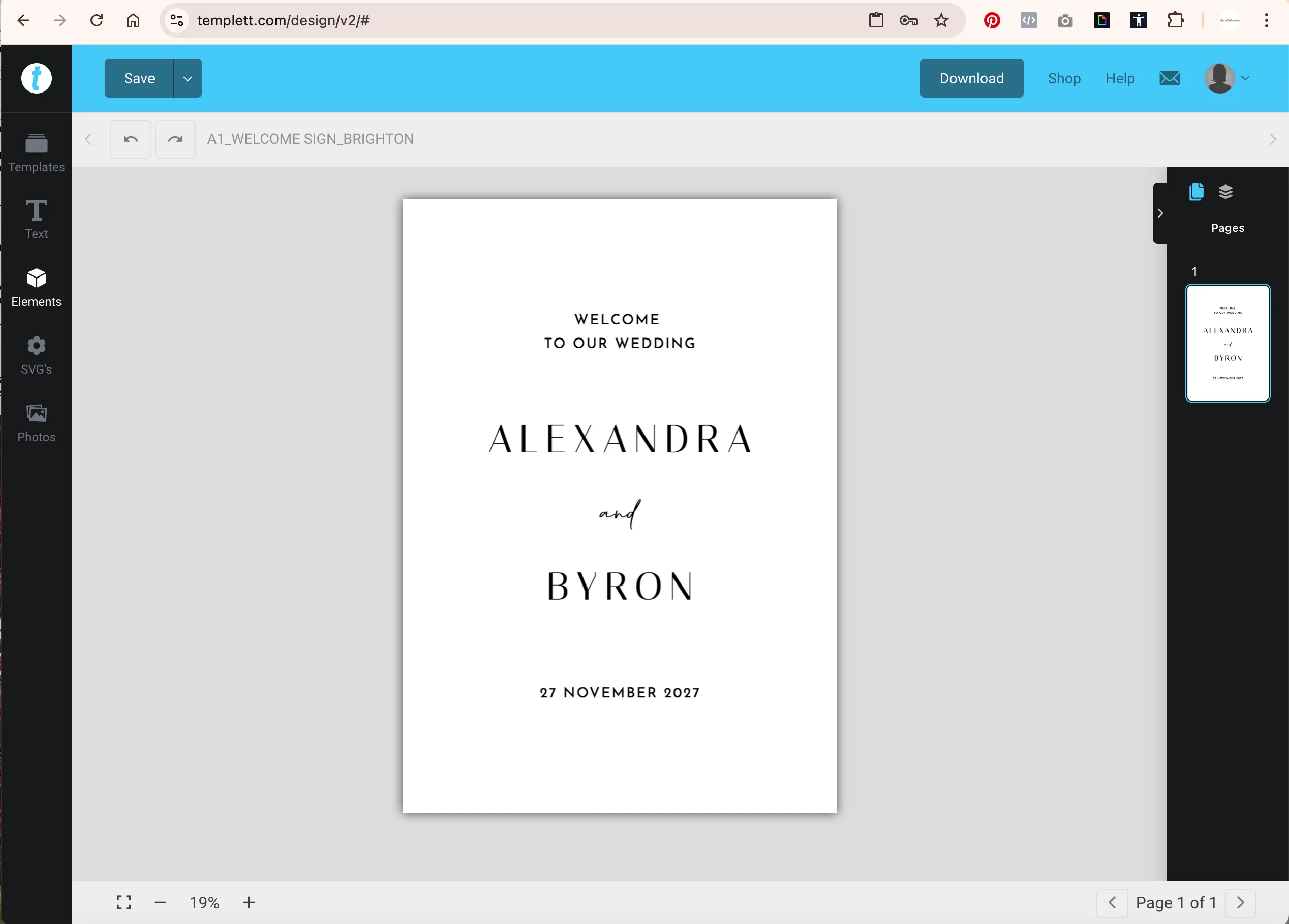
Simply click on the template you’d like to work on and start editing. Remember to save your work regularly—Templett doesn’t have autosave, so it’s best to save as you go to avoid losing any changes.
And that’s it! Happy creating!